Fleet Telematics at Scale with CANedge + Grafana [News]
news / 2024-04
Our CAN telematics at scale article shows how to use the CANedge2/CANedge3 for fleet telematics, from device management to data lakes and dashboards. Plus: Grafana-Athena trip summary dashboards, a DB25 sensor power adapter, J1939 DBC 2024-04 and a Schaeffler case study.
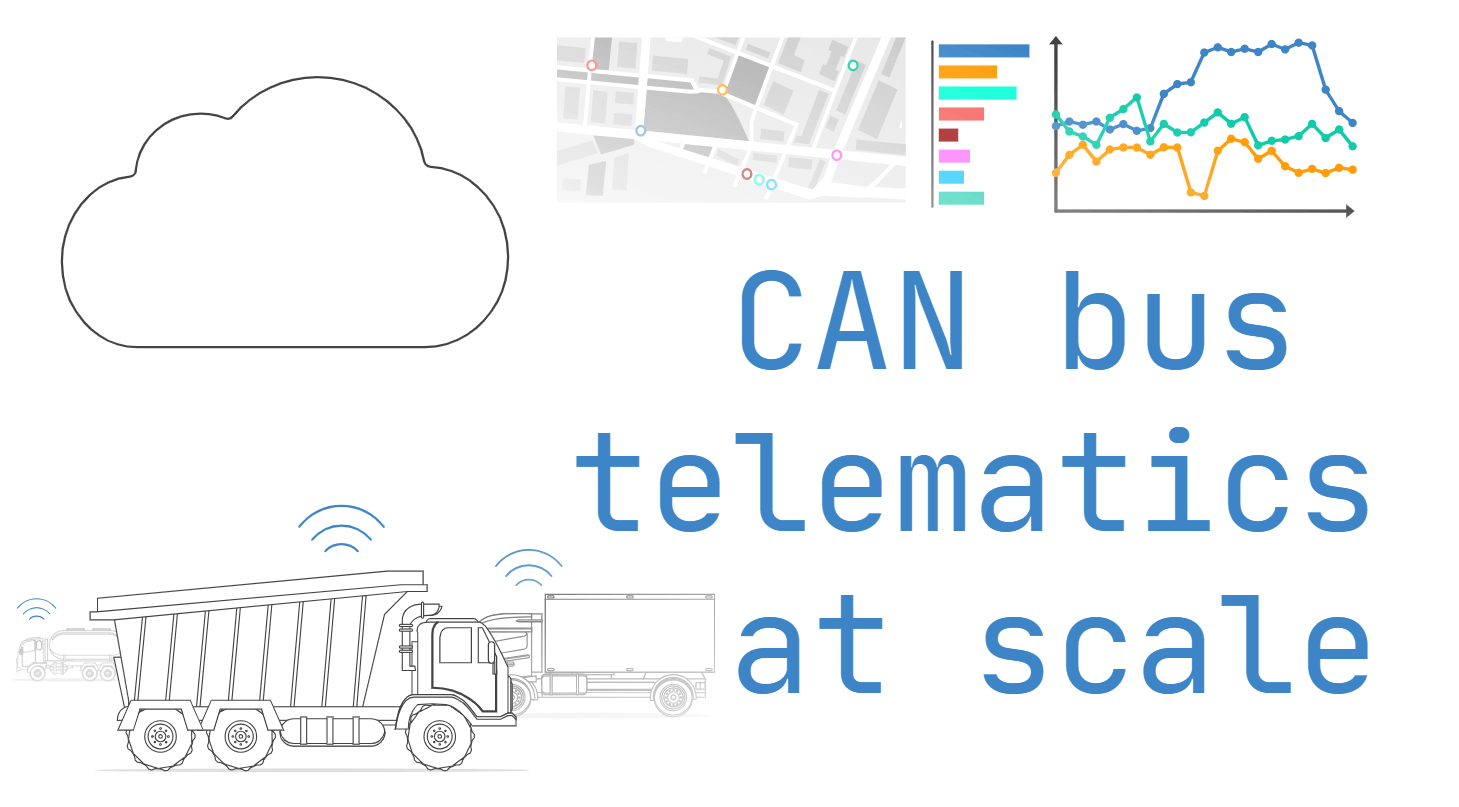
CAN telematics at scale: Device management & data lakes
Check out our latest article where we deep-dive on how to use the CANedge2/CANedge3 to perform CAN bus telematics at scale!
The article covers the following topics:
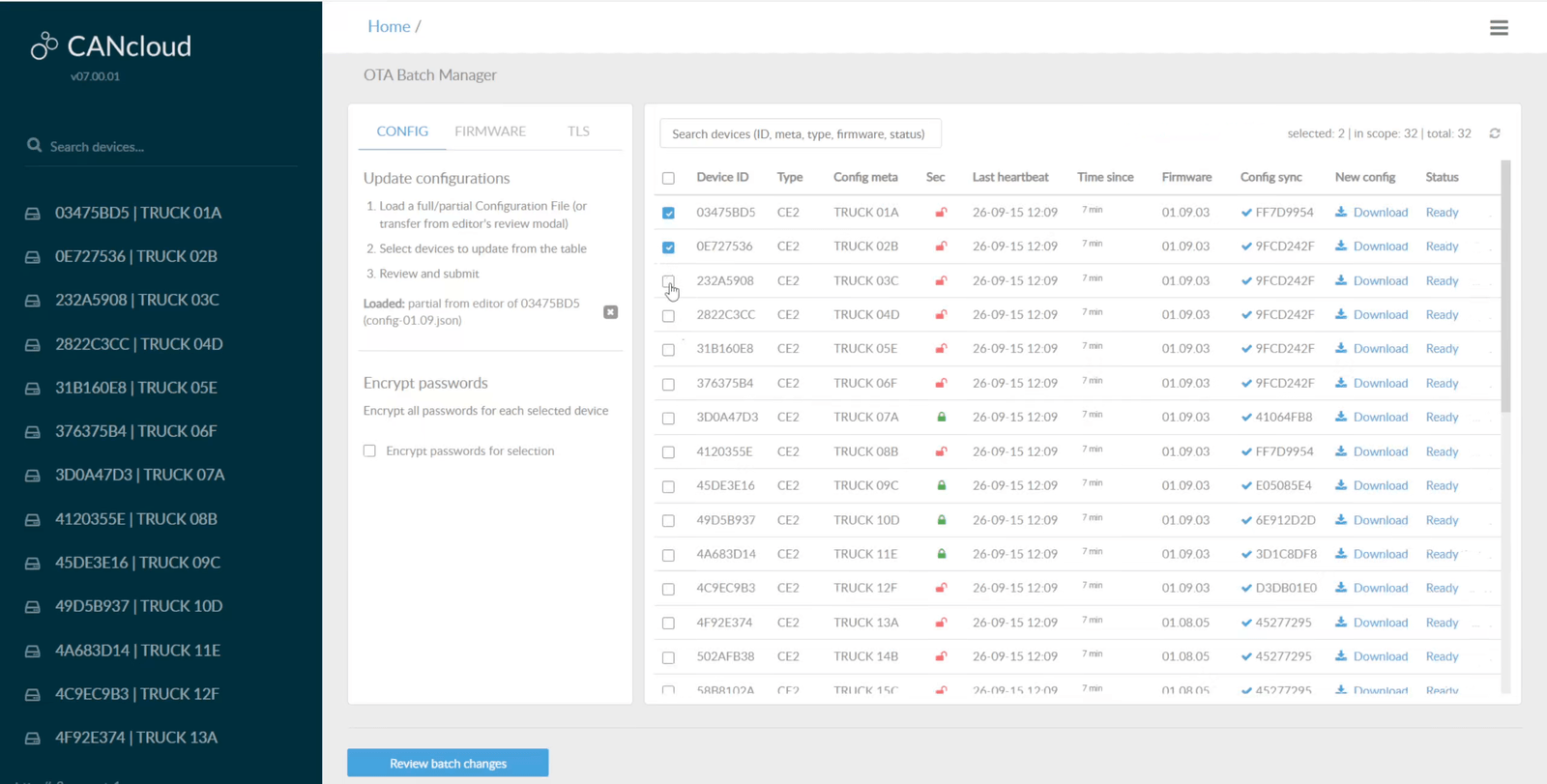
- Device fleet management
- Backend: Data pre-processing
- Backend: Data aggregation + meta
- Frontend: Data visualization
- Frontend: Advanced analysis
- Example use cases
The purpose of this article is to provide guidance and inspiration on how you can make your deployment and data processing workflow scalable, cost-effective and insightful.
While it is targeted towards larger fleet deployments, a lot of the sections can be relevant even for single-unit deployments - e.g. topics like data pre-processing and aggregation.
Definitely give this a read - and if you have questions, contact us!
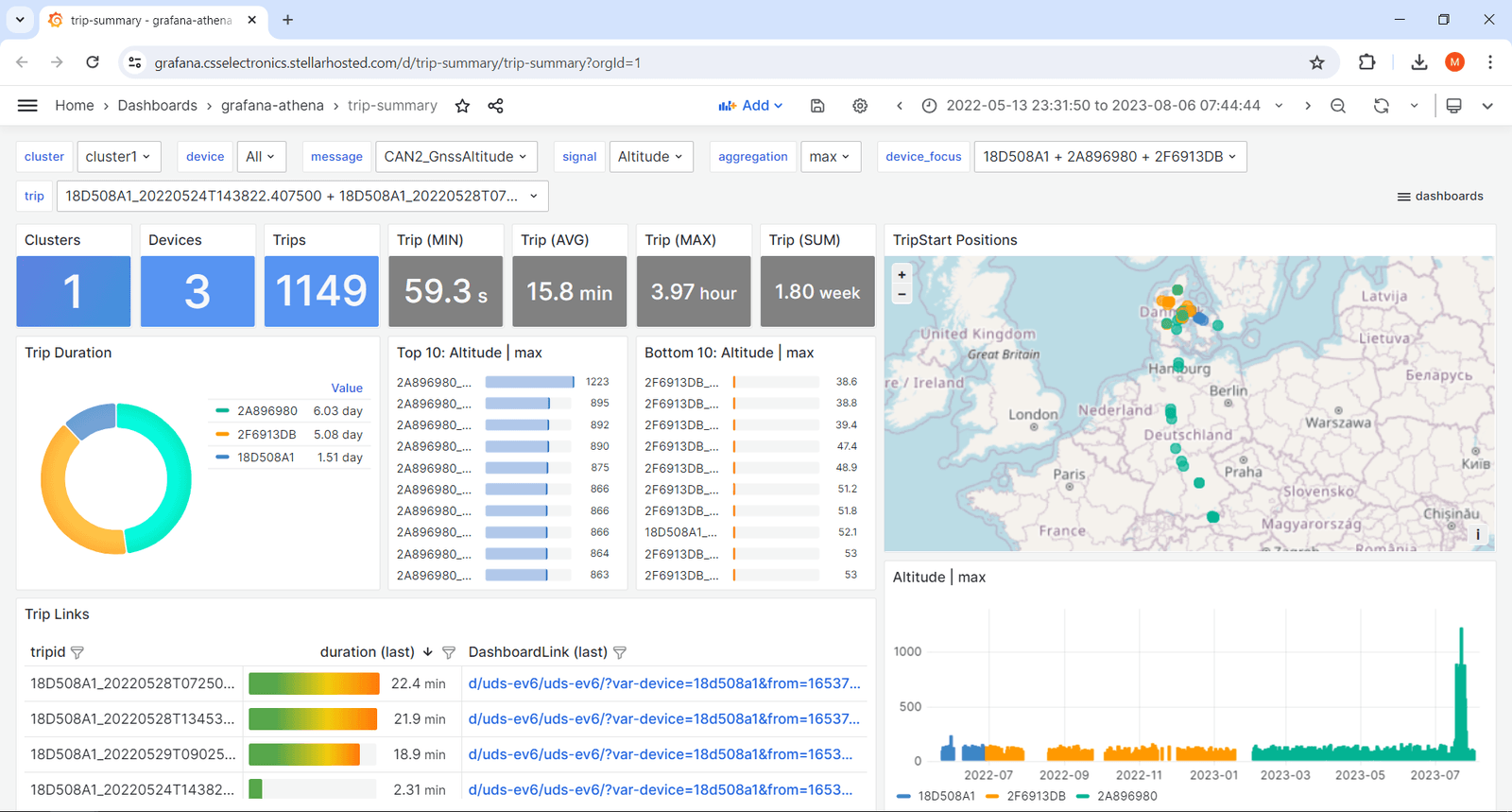
Grafana-Athena 'trip summary' dashboards
Check out our new 'trip summary dashboard' public playground!
A core topic in our CAN telematics at scale article is 'data aggregation': Extracting trip-by-trip signal aggregations into summary tables for fast and simple queries.
Why is this relevant?
As you may know, our default 'data pre-processing' workflow enables you to create a Parquet data lake with your DBC decoded CAN/LIN data, stored e.g. in an AWS S3 bucket. This is excellent for querying results from specific device/message pairs.
However, the structure has limitations:
- It is impractical to extract cross-device results in a single query
- Extracting results across e.g. 100 GB remains time consuming
- It is non-trivial to extract results at a trip-by-trip level
Data aggregation helps you resolve this by supplementing your data lake with a 'trip summary Parquet table' with your configured signal aggregations (e.g. avg, min, max, sum, delta_sum, ...) across all trips/devices.
This enables a ton of use cases:
- Show daily reports of KPIs across any number of vehicles/machines
- Browse/filter your data at a trip level to find trips of interest
- Supercharge diagnostics by quickly spotting specific events
- Easily jump from summary dashboards to device dashboards
- Identify top X trips/devices based on select statistics
To show case how the table can be visualized, we have created a 'trip summary' dashboard template for our Grafana-Athena integration. Check it out via the playground above - and note in particular how you can jump to trips of interest in another dashboard!
Naturally, the deployment of the aggregation can be fully automated and we provide a step-by-step guide for setting it up in the CANedge Intro.
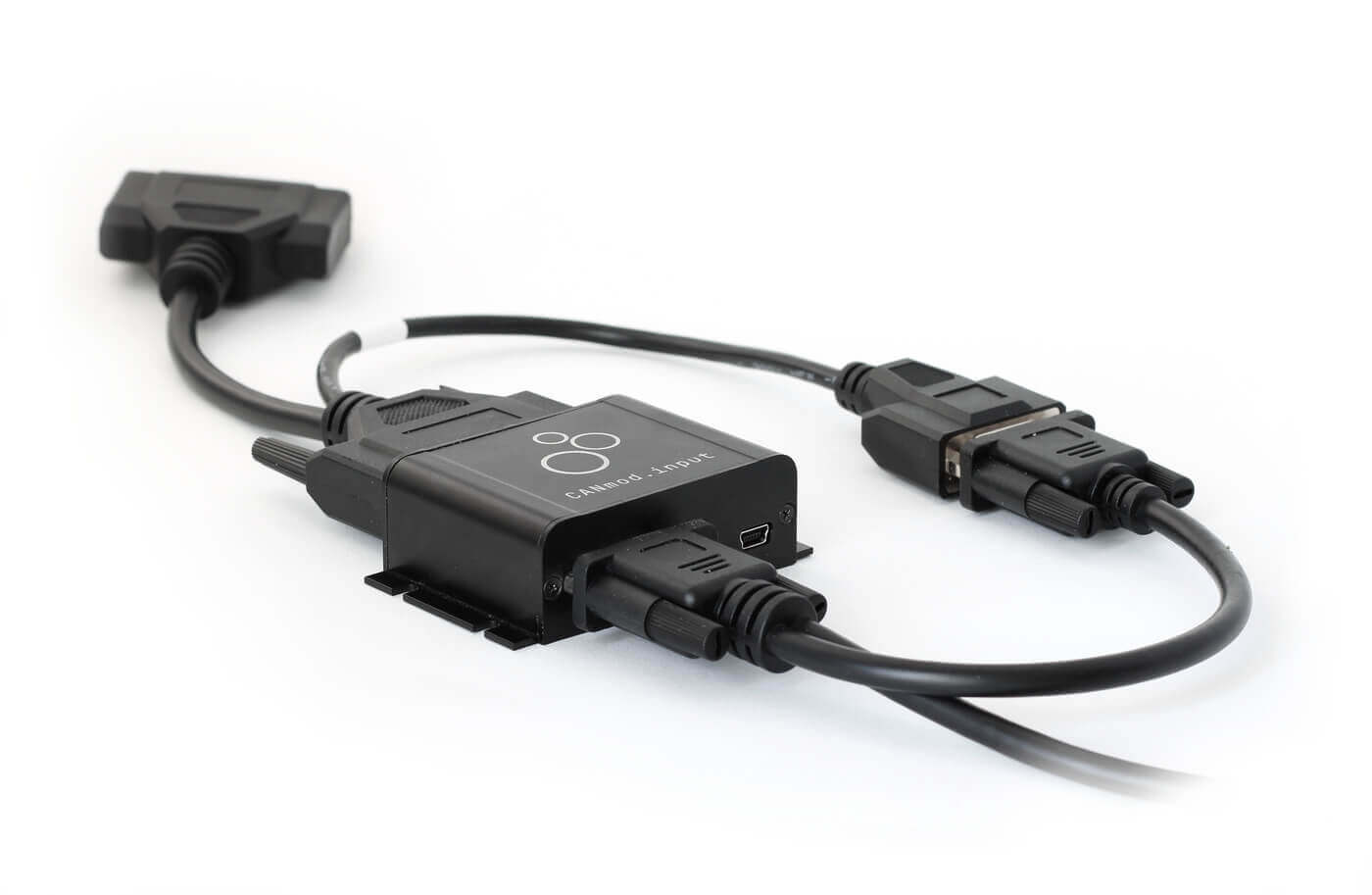
DB25-DB25/DB9 - add 12V/24V for your input sensors!
The CANmod.input lets you connect 8 sensors (analog/digital/pulse) and outputs the data via CAN.
The device provides a 3.3V excitation signal to supply low-power sensors. However, many sensors require 12V or 24V - which can result in very complex wiring harnesses.
This DB25-DB25/DB9 adapter lets you easily power such sensors by re-routing the power supply you use for your CANmod/CANedge.
The cable can be combined with our DB9-DB9/DB9 and DB25-input adapters for flexible installations. Get your adapter today!
J1939 DBC 2024-04 released!
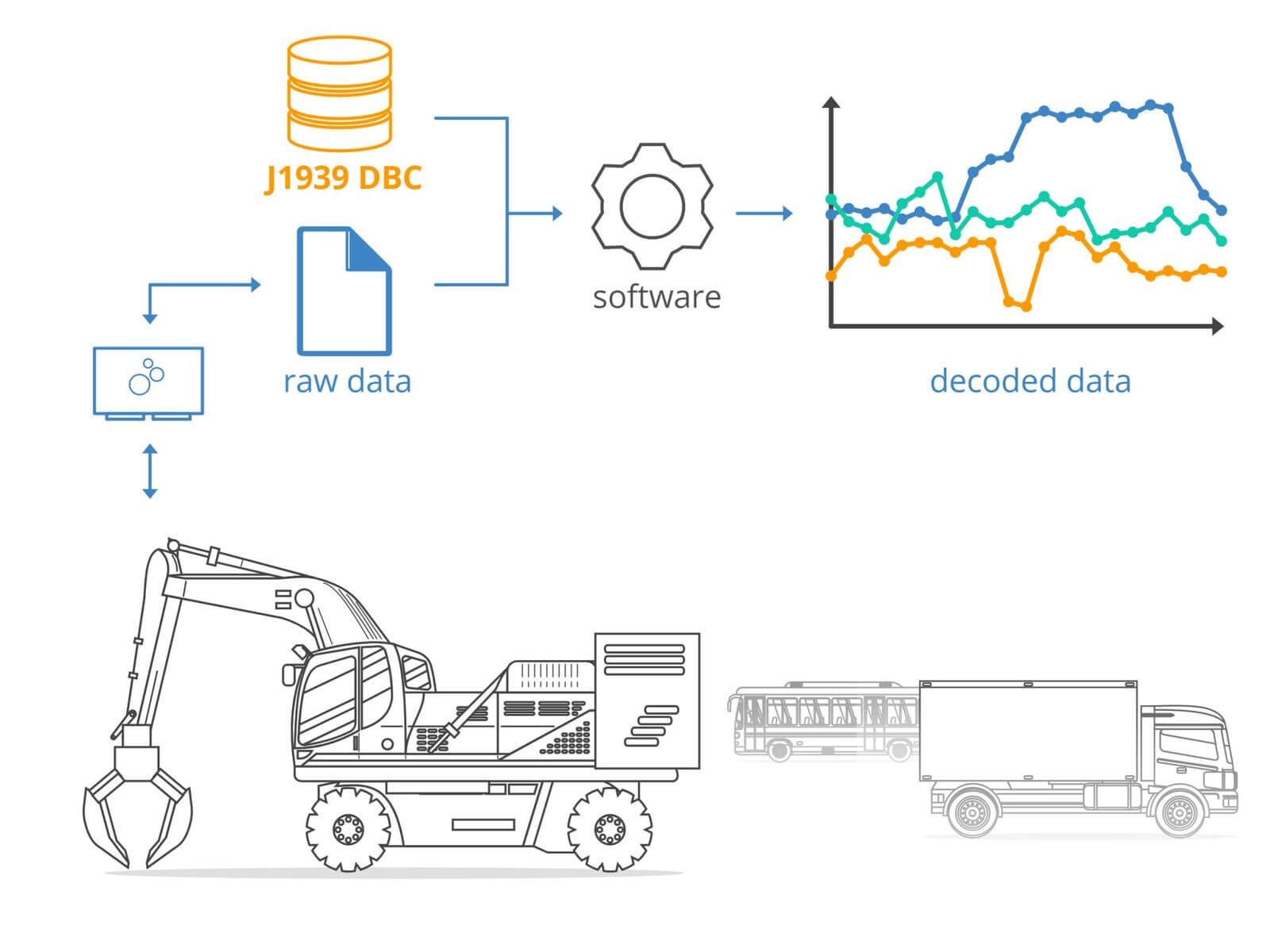
We have now released the J1939 DBC 2024-04 revision. The update adds 100+ new SPNs - get your copy today!
Schaeffler case study

In this case study Schaeffler Engineering uses the CANedge1 CAN data logger to record 2 x CAN FD from a battery electric vehicle during daily use. The team evaluates the data via Vector tools incl. CANape.
This update was sent as part of our newsletter on 26 April 2024. You can also download it as a PDF.
Want updates like this in your inbox? Join our newsletter - or see all news.