Remote Vehicle Diagnostics with CANsub via WiFi + LTE [News]
news / 2026-10
Remote vehicle diagnostics with the CANsub: Our new intro shows 5 showcases from a CAN-USB bench to vehicle access via WiFi, lab data via VPN and CAN/GPS from a moving car via LTE. Plus: A 30 min video version and a YouTuber testing scan tool functions with CANsub + Claude.
CANsub: Stream CAN data via USB, LAN, WiFi, LTE
What if your CAN bus interface worked from anywhere?
Most of you know classic CAN-USB interfaces: They are great for some use cases - but USB introduces critical limitations in regards to physical reach, scalability, remote deployments and installation.
The CANsub combines the plug & play simplicity of CAN-USB with the unlimited flexibility of CAN-Ethernet - allowing you to access your CAN bus in real-time via USB, LAN, WiFi and even remotely via LTE.
In this intro, Martin Falch explains how this makes the CANsub a unique CAN interface - and proves it via 5 practical showcases:
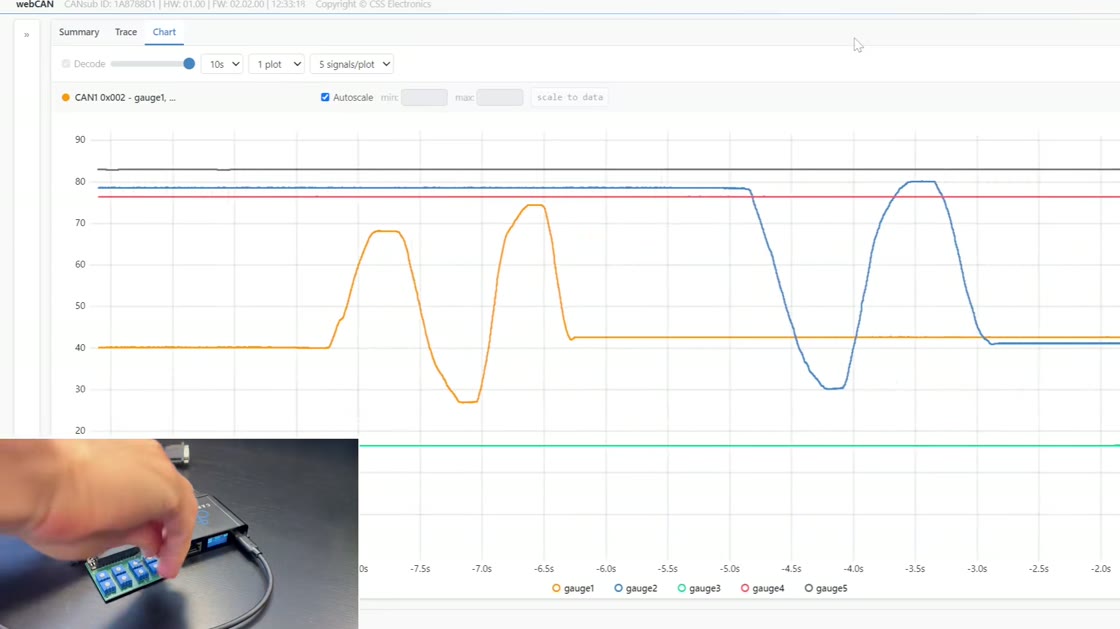
1: CAN-USB bench in 1 min
As a baseline, Martin shows the familiar CAN-USB access, i.e. deploying the CANsub.2 via USB and streaming raw/decoded CAN data in seconds with zero installation.

2: 8 x CAN on LAN + python-can + PTP
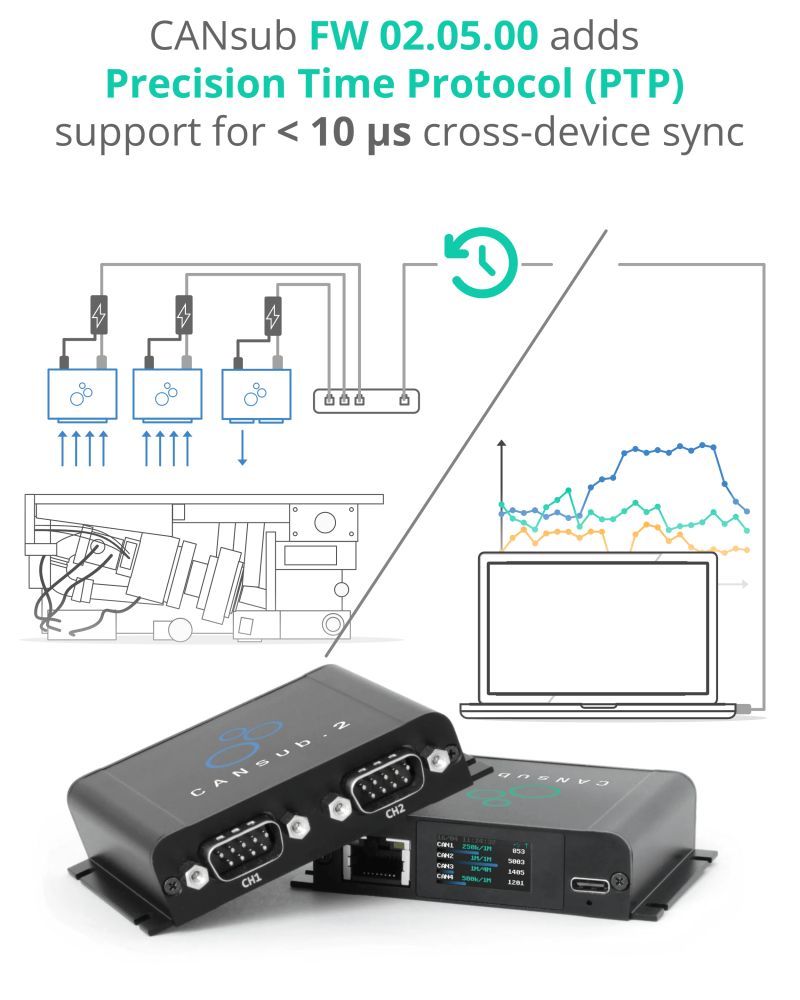
Next, we step it up by deploying 2 x CANsub.4 on an office switch via Ethernet to stream 8 x CAN - with a python-can test lab simulation script + dashboard. As part of this, Martin shows how independent device clocks drift apart - until PTP pulls them into a <10 µs cross-device sync!
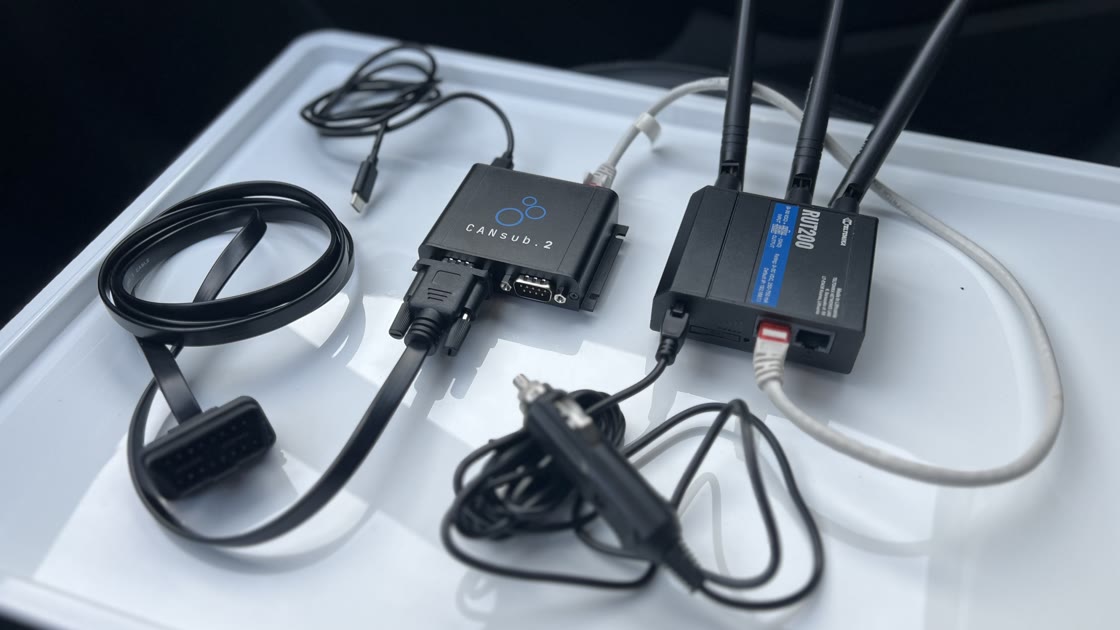
3: Vehicle WiFi access from 50 m
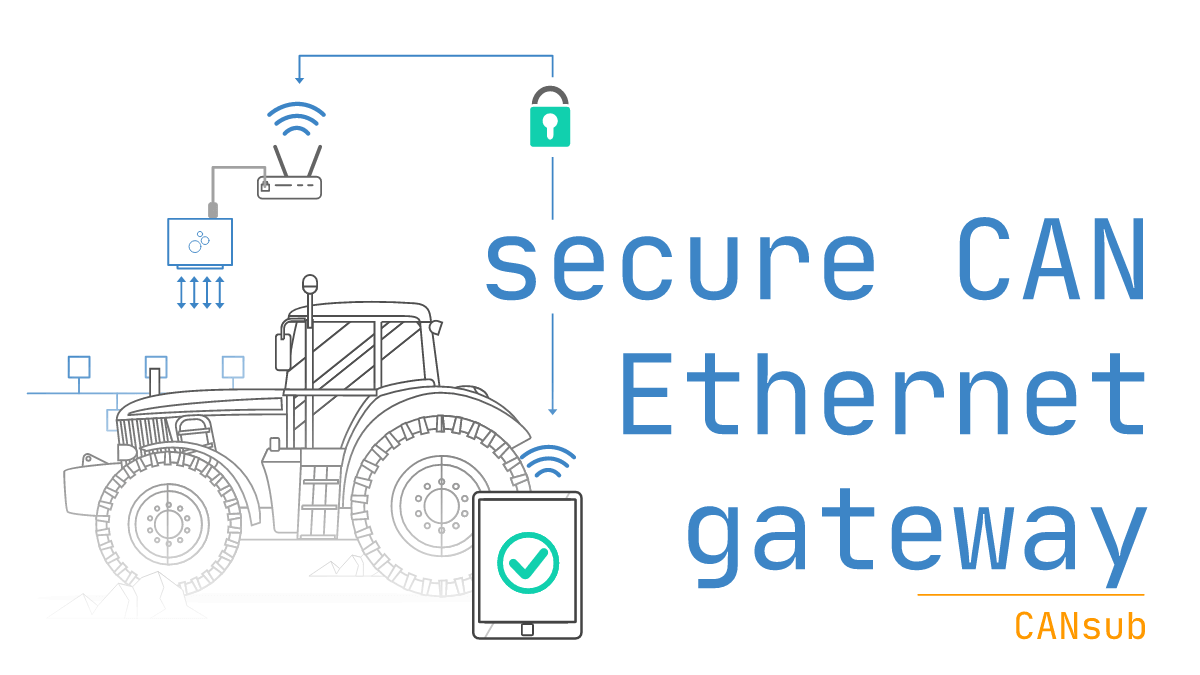
Here, the CANsub.2 is connected to a Kia EV6 and to a RUT200 WiFi router via Ethernet. This allows us to connect wirelessly to the CANsub and perform 5 Hz multi-frame UDS requests for BMS data via on-device transmit sequences - while visualizing the decoded results 50+ meters away from the car!
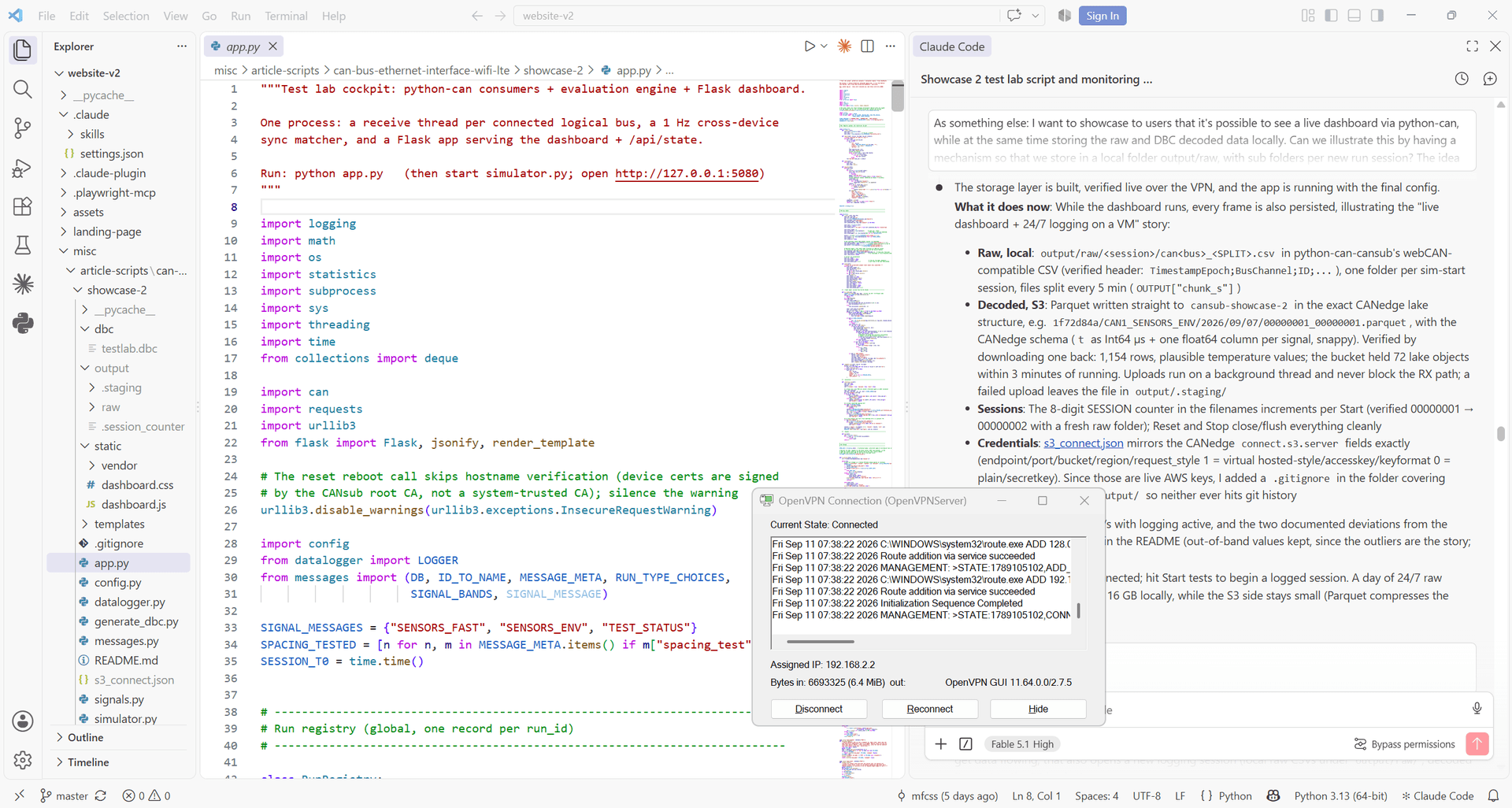
4: Lab CAN data from home via VPN
Want to work from home? In this example, Martin uses OpenVPN to access his office network and work with multiple CANsubs from home - both via webCAN and through Claude Code / python-can.

5: CAN/GPS via LTE from a moving car
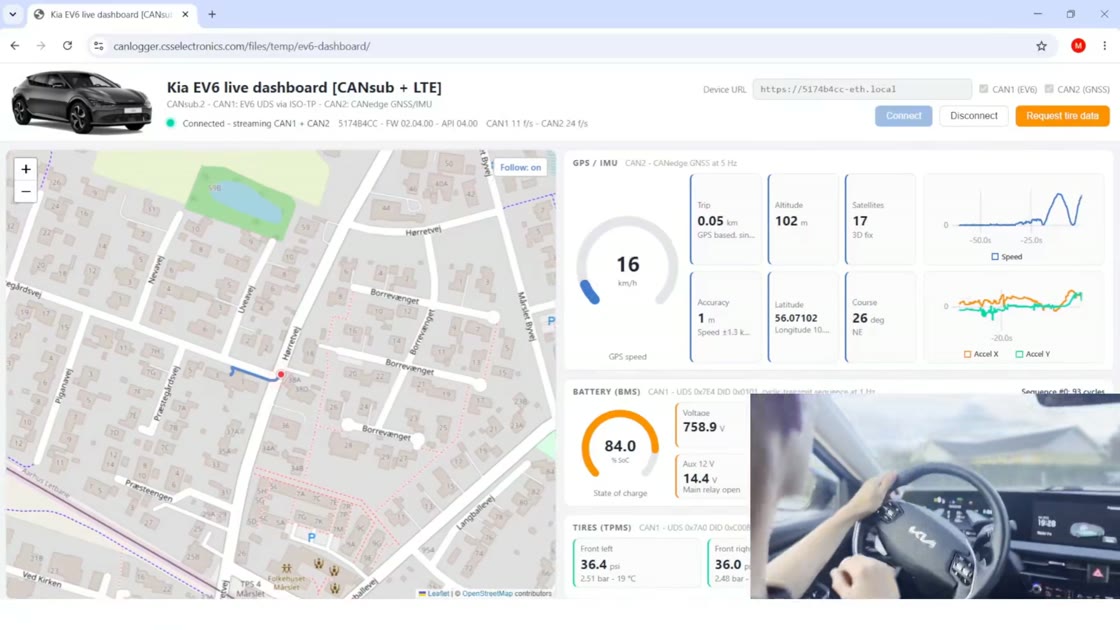
Finally, we show the Kia EV6 setup with the RUT200 again - but now use a VPN + LTE to stream RX/TX CAN/GPS data over the internet in real-time, for visualization in a custom-built web app dashboard!
We also cover the technical side - incl. the importance of the CANsub's 1 µs hardware RX/TX timestamping and 10 µs edge transmit sequences on high latency networks.
Check it out to expand how you think about CAN interfaces!
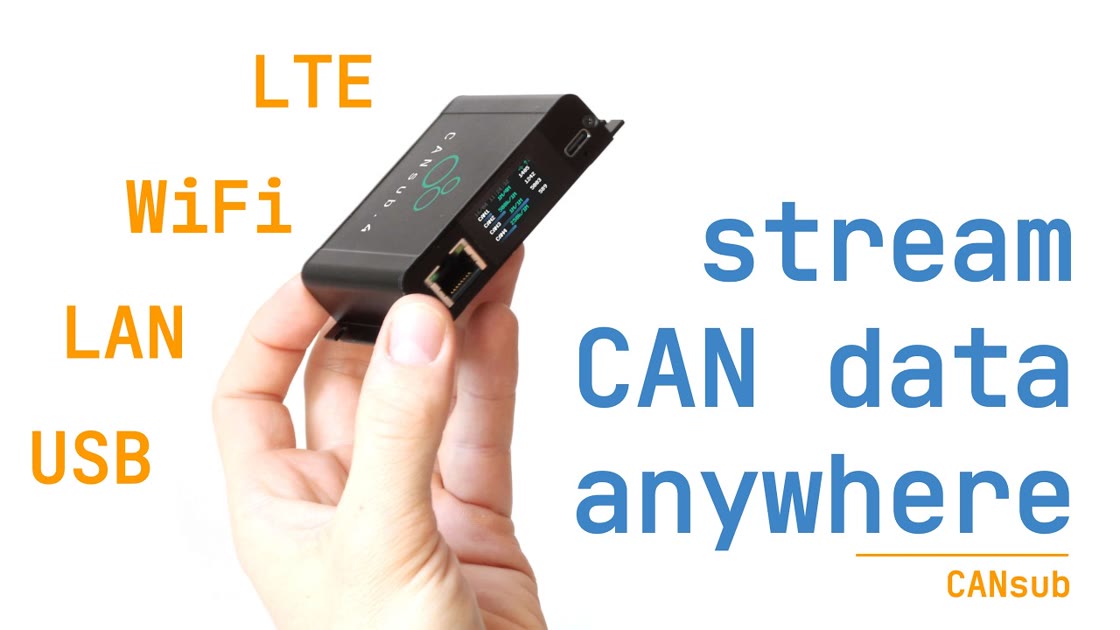
Video: CAN-Ethernet interface - USB, LAN, WiFi, LTE
Prefer watching instead of reading?
If so, check out our 30 min YouTube video of the CAN-Ethernet intro. Here, Martin covers the basics and deep-dives on the 5 showcases. Check it out below:
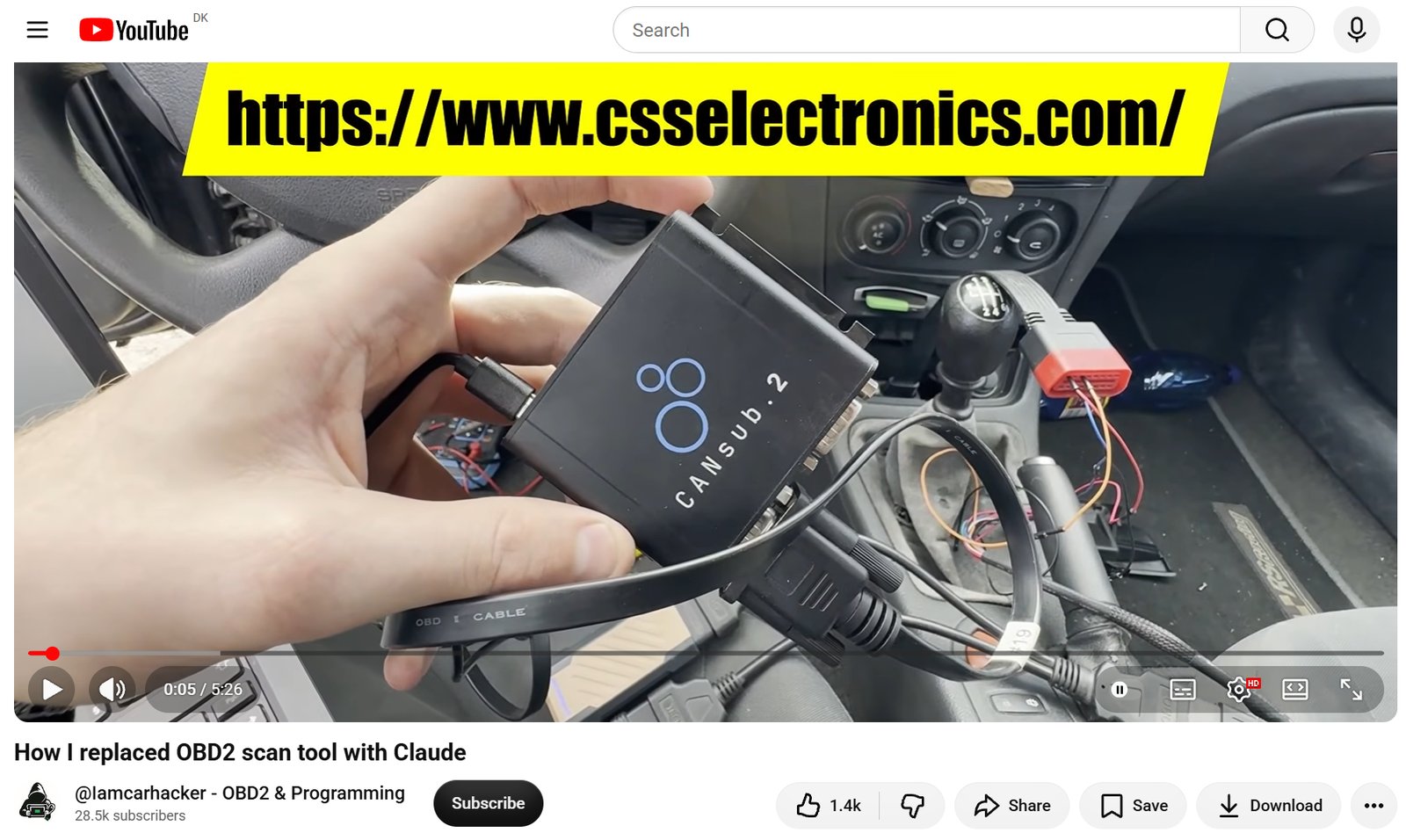
Video: Replacing a scan tool function with CANsub + Claude
Can you replace scan tools via CAN interfaces + Claude Code?
YouTuber Iamcarhacker tested this idea on his Renault Laguna using our CANsub.2, webCAN and Claude.
As per the video, this is clearly not a full scan tool replacement - but it is a fun sneak peek at how a CAN interface + AI can help you reverse engineer diagnostic functions - and speaks to the current trend of 'reverse engineering everything' with AI.
Check it out via the link below!
This update was sent as part of our newsletter on 27 October 2026. You can also download it as a PDF.
Want updates like this in your inbox? Join our newsletter - or see all news.