End-to-End Encrypted CAN Streaming via CANsub [News]
news / 2026-08
End-to-end encrypted CAN streaming: CANsub firmware 02.03.00 adds mutual TLS authentication, so only authorized users can connect over Ethernet, on top of TLS encryption for all USB and Ethernet traffic. Plus: AI CAN reverse engineering by CouchBuilt and a call for use cases.
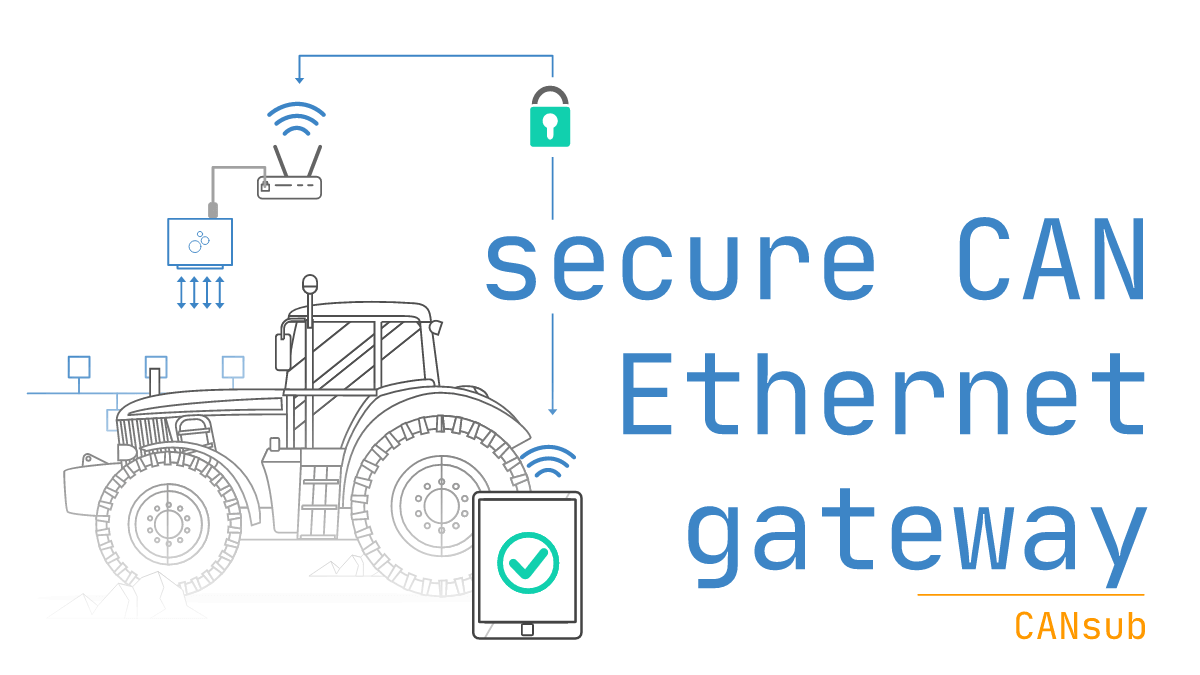
Need a secure CAN-USB/Ethernet interface?
The CANsub sends/receives CAN FD data in real-time via USB or Ethernet. Over Ethernet, anyone on the network (LAN, WiFi or a remote VPN) can reach it - which is both a feature and a risk.
Without proper security, a CAN-Ethernet interface opens the door to unauthorized eavesdropping on proprietary CAN data - or even hostile/accidental connections that may disrupt operation of critical equipment.
However, with FW 02.03.00, the CANsub now supports mutual TLS authentication (mTLS) - enabling 100% encrypted and authenticated CAN streaming!
In our new intro to CANsub security we highlight the key security features:
- TLS by default: All traffic is encrypted over TLS (HTTPS) on both USB and Ethernet, and the device proves it is a genuine CANsub via a built-in certificate
- mTLS access control: Optional mutual TLS lets you decide exactly which users may connect over Ethernet - like passwords, but certificate-based
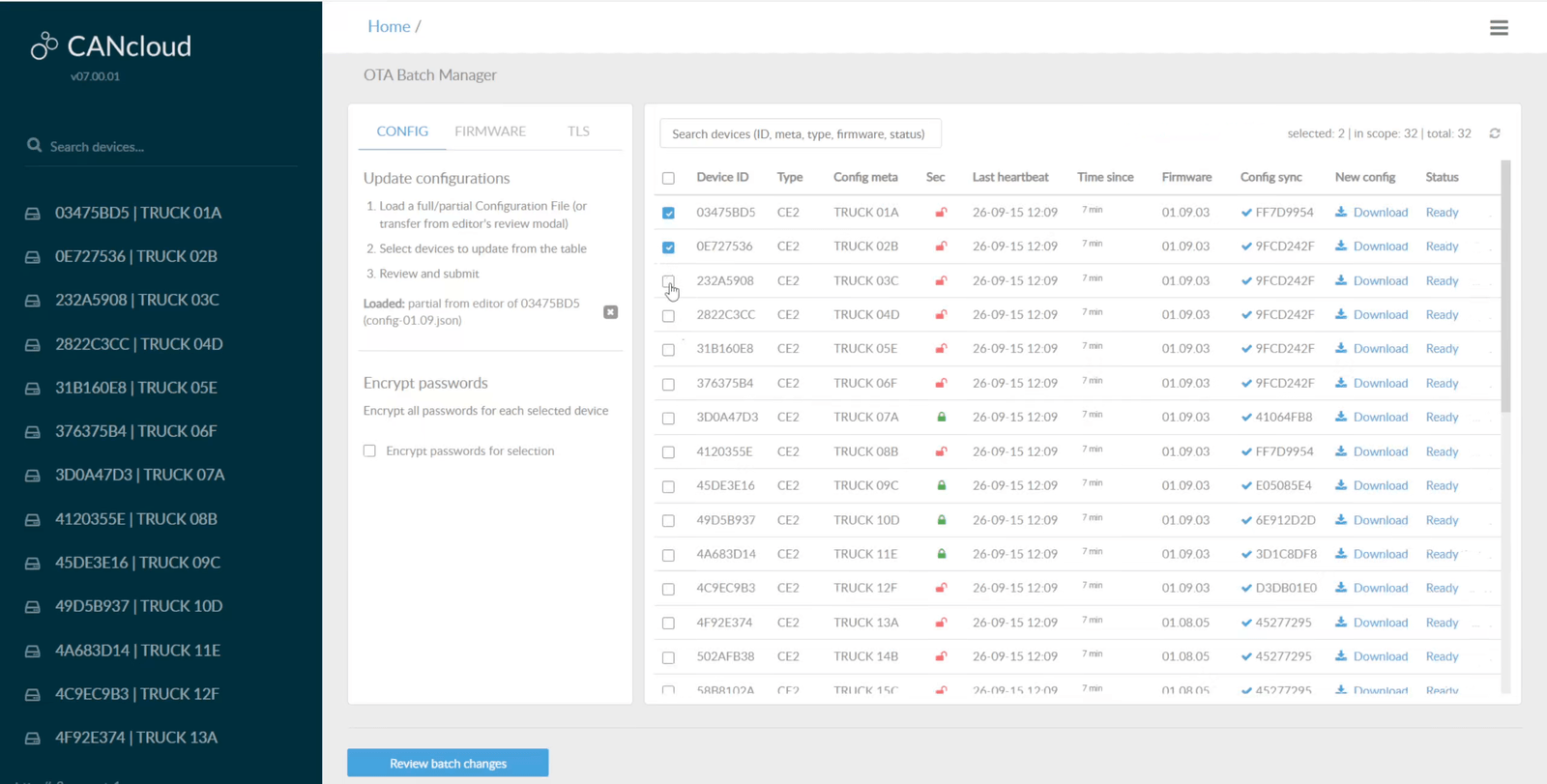
- Scales to fleets: Self-signed certificates can be used for single users, while CA-signed certificates enable flexibility for fleets and multi-user deployments
- Signed firmware: The device can be securely updated with digitally signed firmware files via USB or Ethernet, and firmware code is protected from readout
- Read-only options: The CANsub supports configurable hardware silent mode - or contactless CAN readers for non-configurable read-only access
- Software/API support:webCAN, python-can and custom REST/WebSocket apps all support both TLS and mTLS
With mTLS enabled, the CANsub is a 100% end-to-end secure device to deploy - ideal for labs, end-of-line testing, production automation and in-vehicle field service. We also provide R155/ISO 21434 related documentation on request.
Use case examples
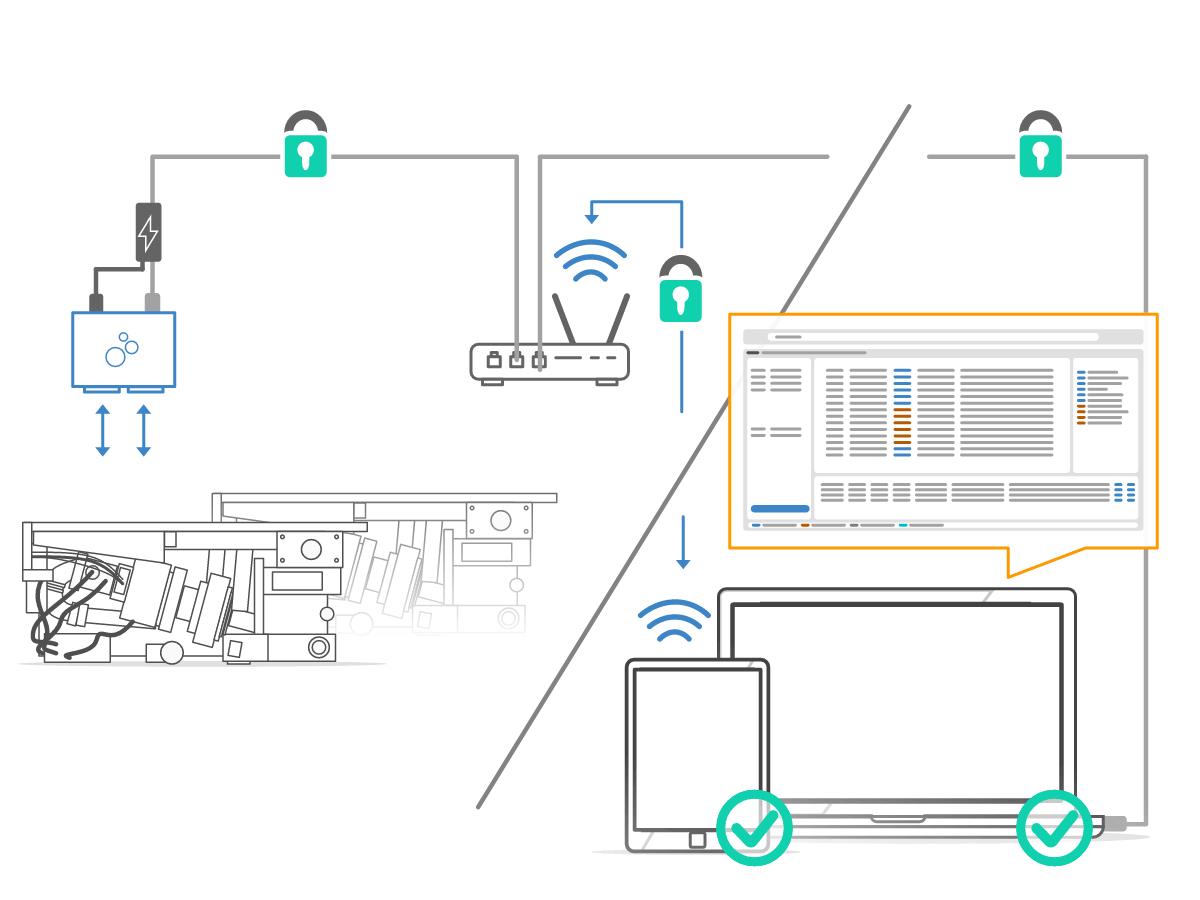
Test labs, end-of-line and production
Several CANsub devices often share one network, each used by different engineers or test stations. With mTLS, only clients holding a valid certificate reach each device, so a wrong connection cannot disrupt a running test or line.
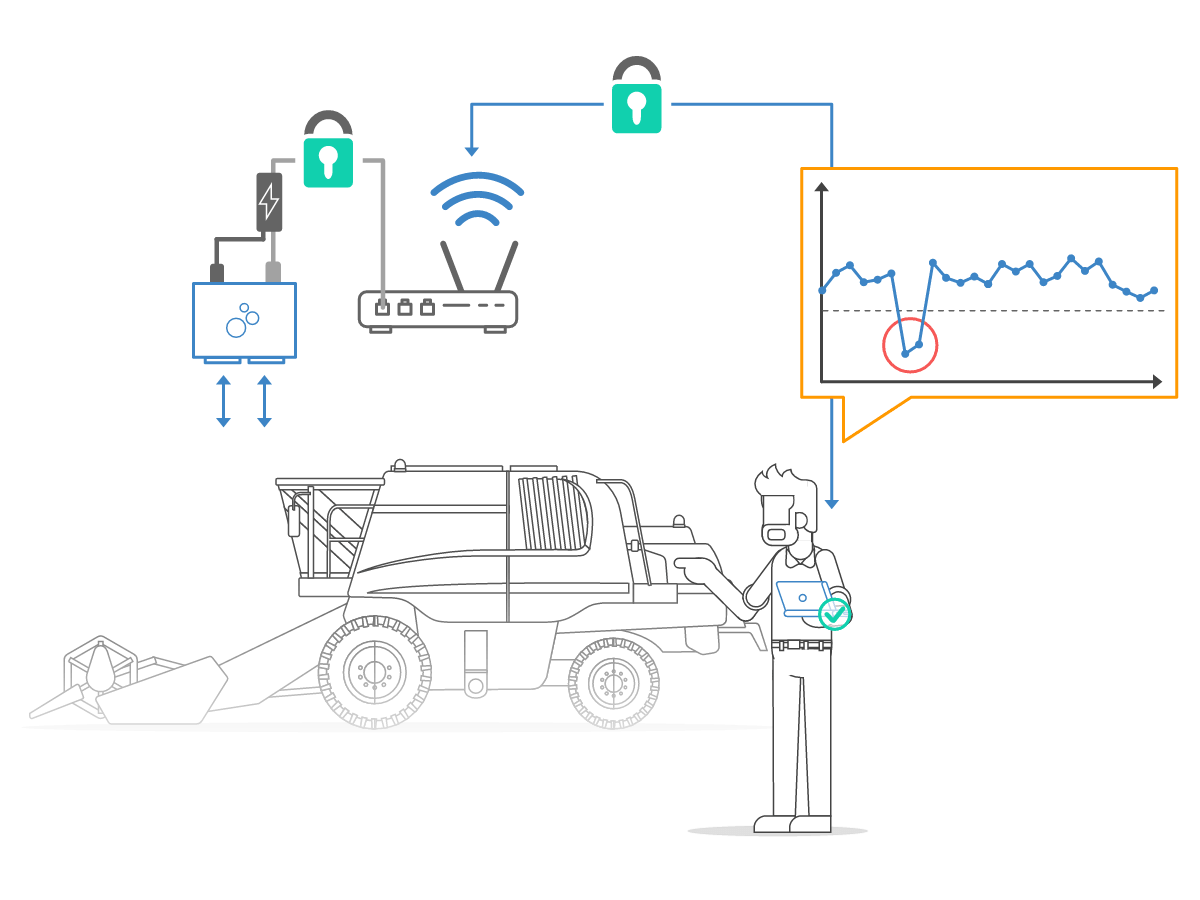
Wireless diagnostics in the field
Connect the CANsub to a WiFi router on a vehicle so technicians can stream data and run diagnostics wirelessly. mTLS ensures only authorized technicians connect, even if the WiFi is compromised, blocking access to a moving asset.
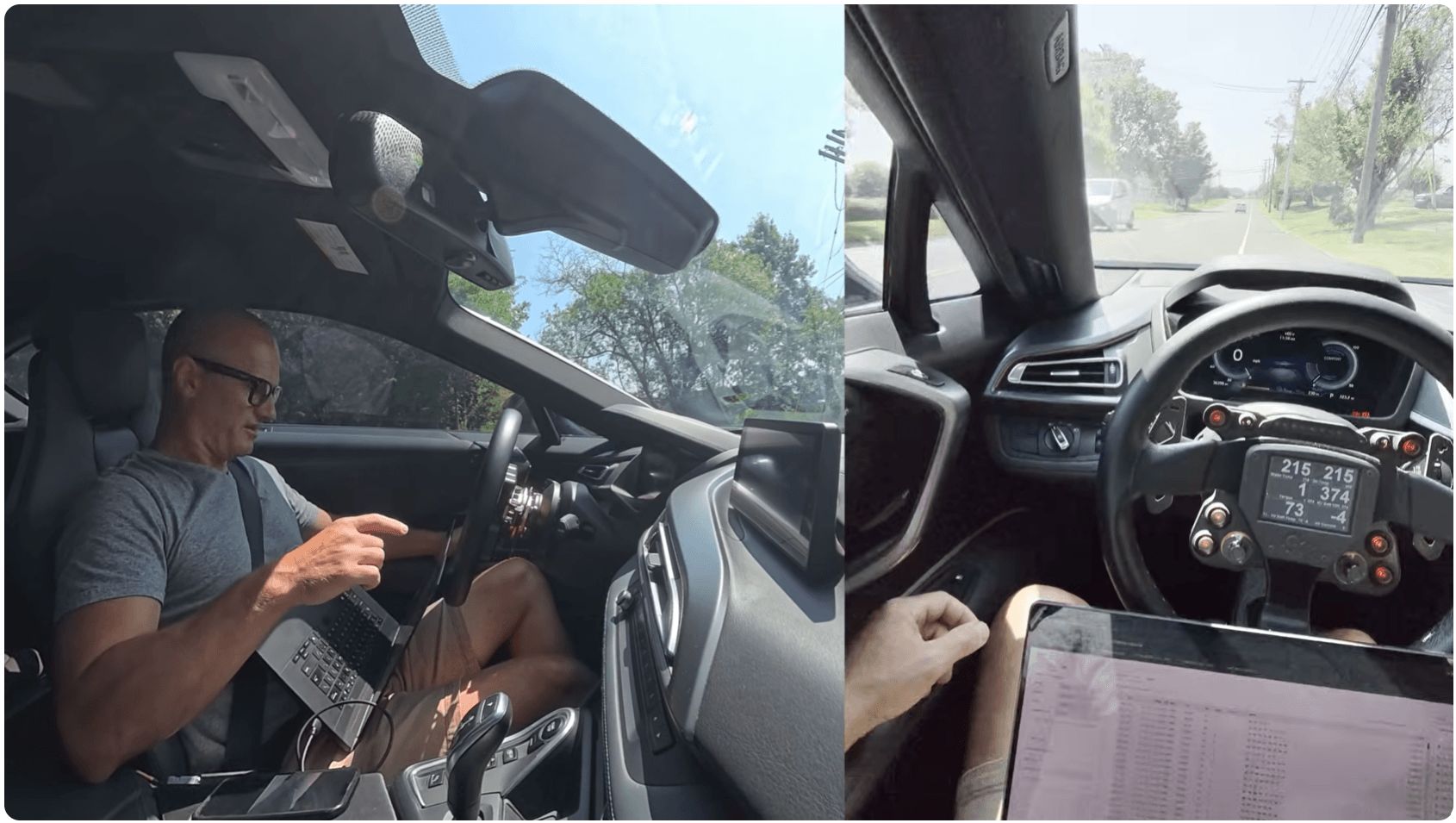
CouchBuilt: AI CAN bus reverse engineering with the CANsub
Check out Jon Volk's latest video on his CouchBuilt channel! This time, Jon uses the CANsub.2 and our open source Claude Code skill to make AI CAN bus reverse engineering a core part of his workflow.
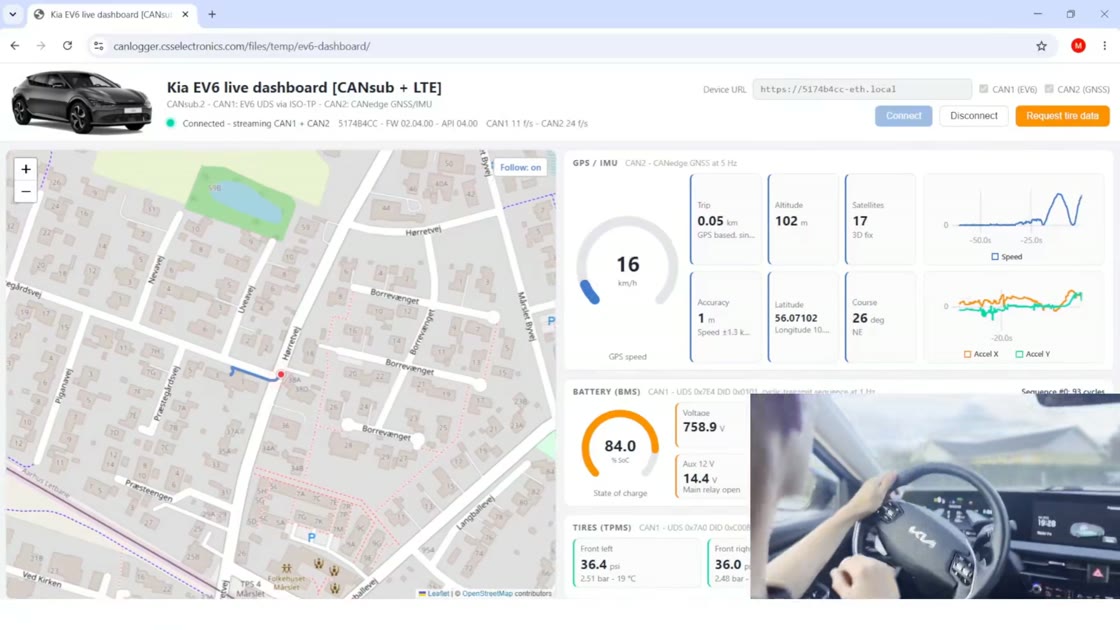
See in particular 08:40-16:10, including Jon's use of Meta's Ray-Bans to capture time-correlated video recordings for the skill's Optical Character Recognition (OCR) workflow.
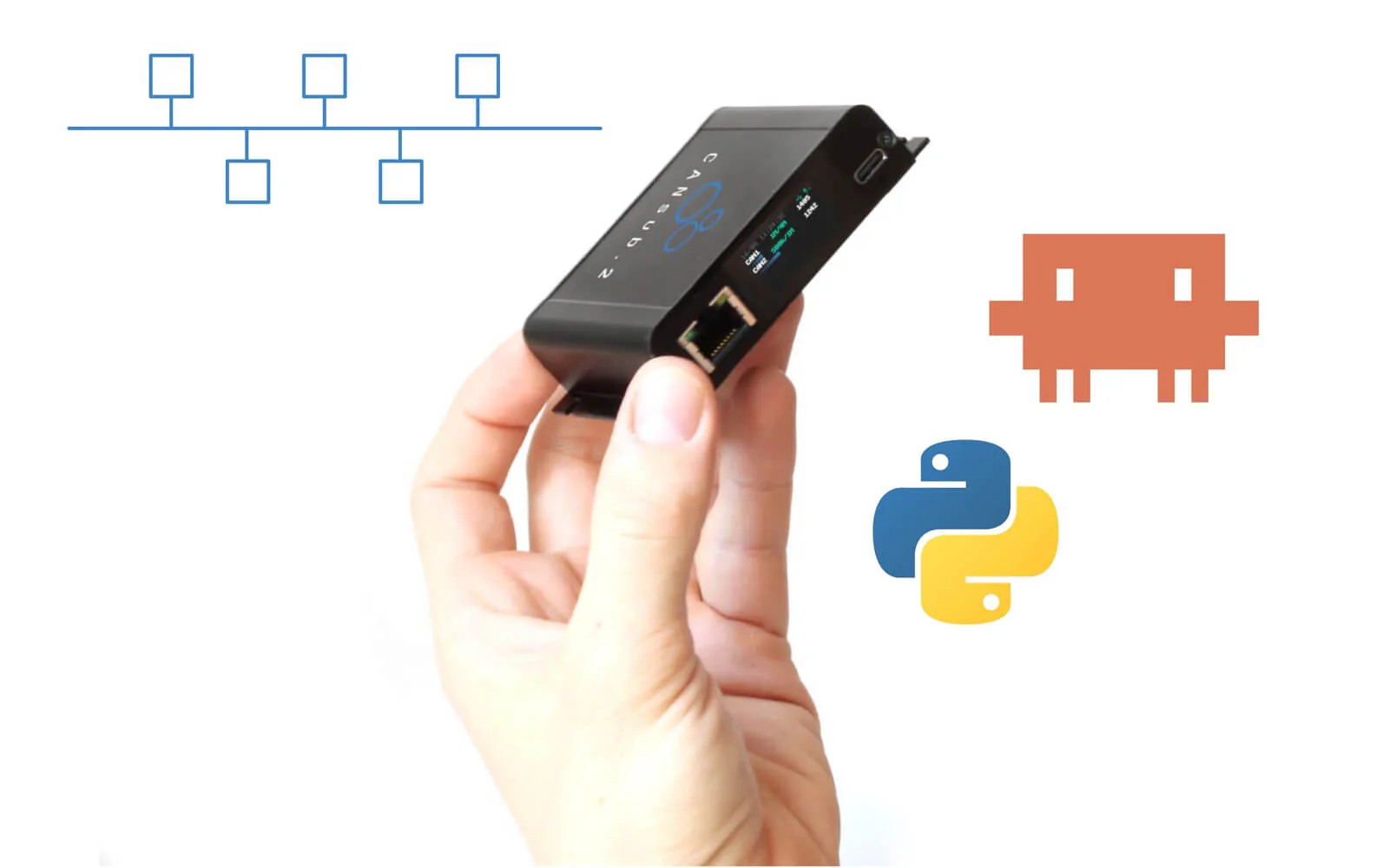
Call for diagnostics data & use cases
We are planning new articles on using AI agents to help in CAN bus diagnostics and troubleshooting - both for real-time streaming and cloud-based telematics use cases.
The goal is to apply techniques similar to our popular AI CAN bus reverse engineering article, but focused on the troubleshooting challenges faced by OEM engineers.
We are very interested in end user input incl. practical examples of challenges (incl. ideally data) as well as just general ideas/suggestions.
Simply reply to this email to provide your inputs!
This update was sent as part of our newsletter on 12 August 2026. You can also download it as a PDF.
Want updates like this in your inbox? Join our newsletter - or see all news.