CAN Bus Filter Builder + OBD2 PID Tool for CANedge [News]
news / 2026-01
Our new CAN bus filter builder lets you create CANedge CAN ID filters 10x faster based on your own log files, while the new OBD tool lets you set up OBD2 PID requests in seconds. Plus: CANedge R155 cybersecurity docs, a J1939 predictive maintenance project and 3 case studies.
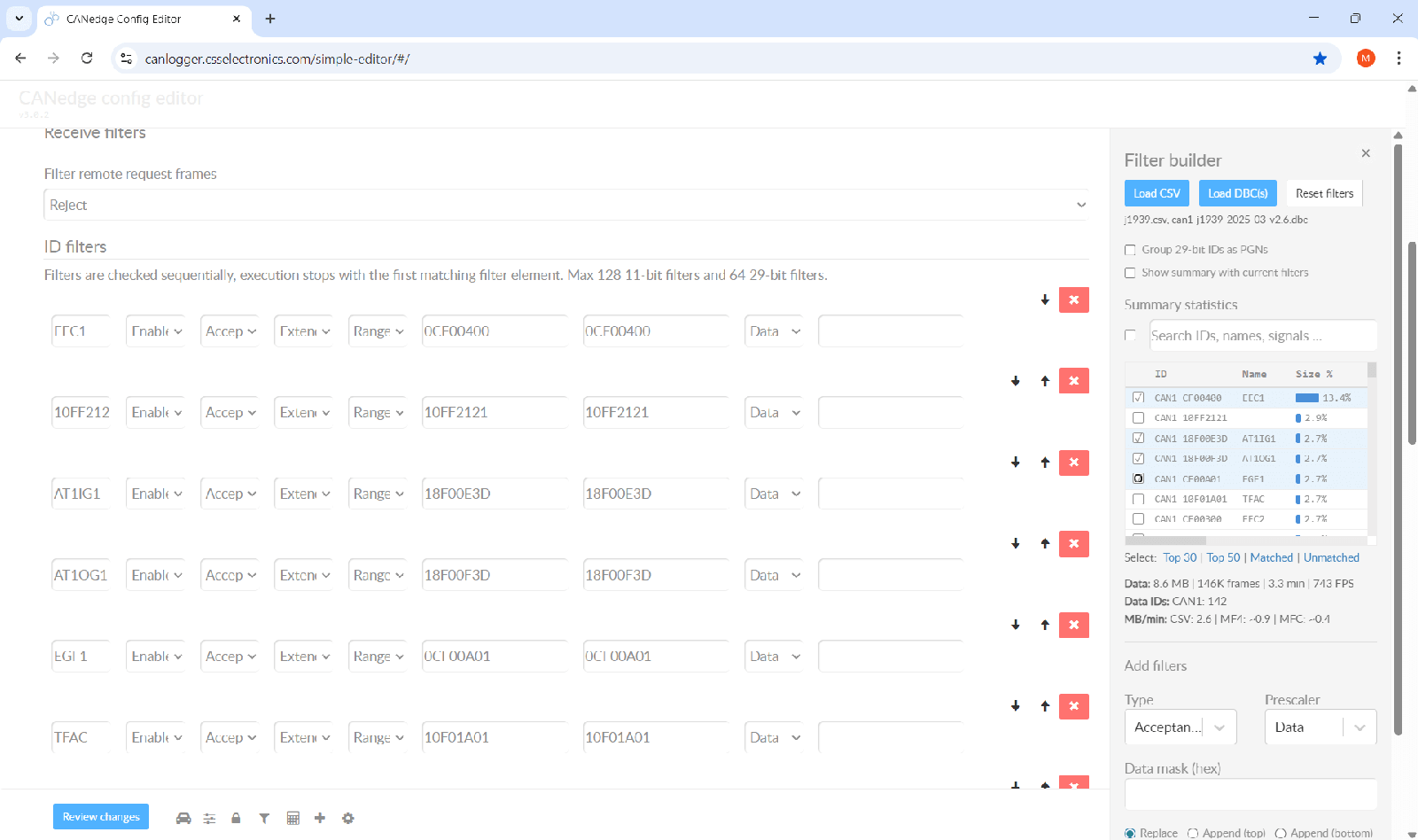
Filter builder: Create CANedge CAN ID filters 10x faster!
By default, the CANedge CAN bus data logger records all raw CAN/LIN frames at their original frequencies - which can result in a ton of data.
In 90%+ of cases you benefit from configuring CAN ID filters/prescalers to optimize your file size - but this can be complex and time-consuming to set up.
To solve this, you can now use the filter builder!
How it works
- Load your config in the editor and open the filter builder
- Convert a log file to CSV (via the MF4 converter) and load it
- Optionally load your DBC file(s)
- Review your data, batch-add ID filters and immediately see the impact
Key features
- Data based filters: Sort IDs by size contribution to focus your efforts
- Summary statistics: View key statistics like MB/min, frames/second etc
- DBC details: Browse IDs via DBC info like message name, signal names etc
- PGN matching: Group CAN IDs by their 18 bit PGNs - and easily set PGN filters
- Batch filtering: Select multiple entries and add them with shared prescalers
- Size reduction impact: Check the impact of your filters on the loaded CSV
- CANmod.router: Use the tool on 'demuxed' data to set CANmod.router filters
Check it out below!
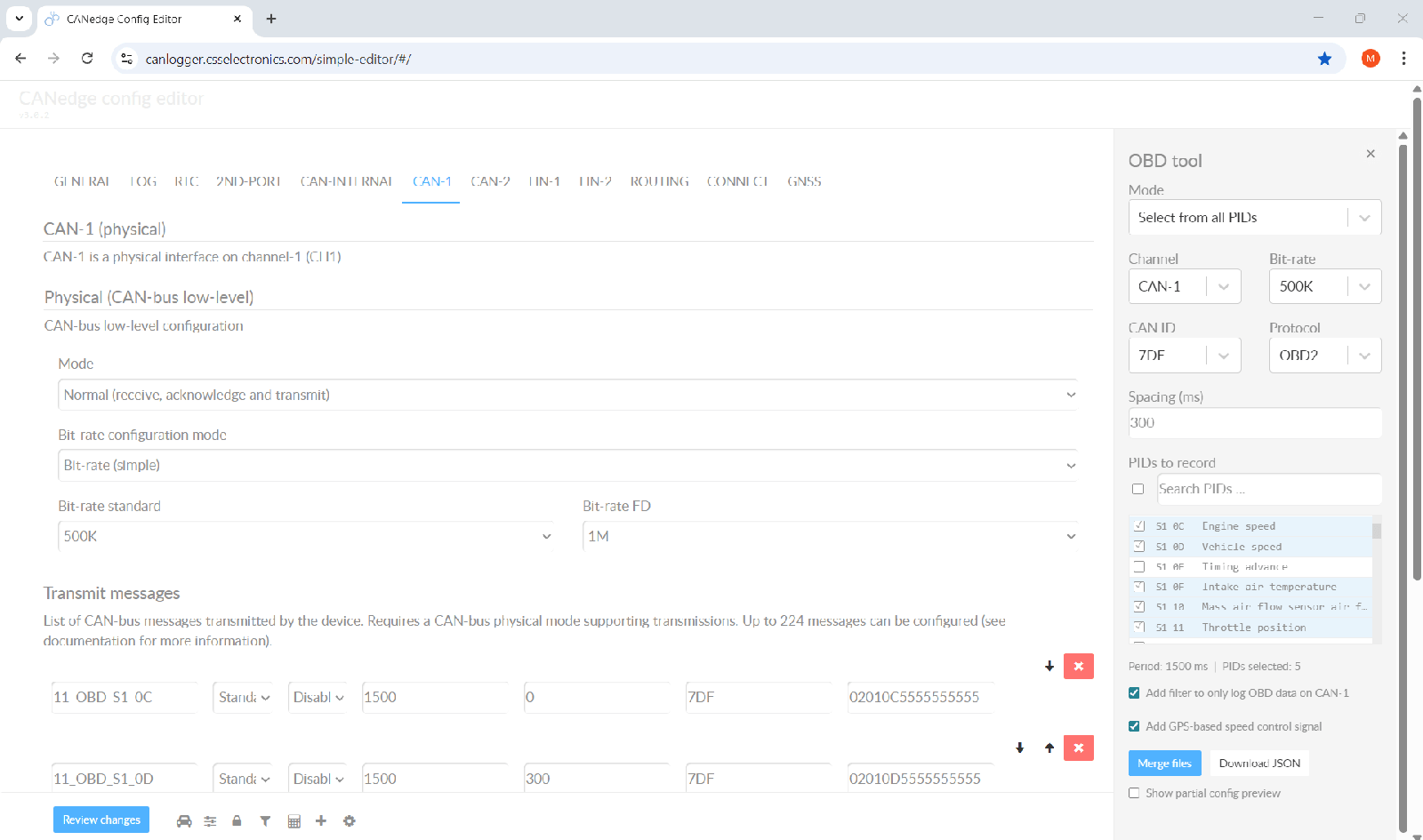
OBD tool: Create CANedge OBD2 PID configs 10x faster!
Many of our end users deploy the CANedge to log OBD data from cars/trucks/buses for telematics, diagnostics or development.
Previously, configuring the CANedge with custom OBD PID (Parameter ID) requests was time-consuming and complex - in particular if you had to log many PIDs.
With the OBD tool you now simply add PIDs from a list to create your config in seconds!
The tool also lets you auto-add OBD filters (if you only wish to log OBD responses) and a control signal (to toggle transmission and thus avoid battery drainage). Finally, the tool lets you optionally test what PIDs are supported and limit what PIDs you can select so as to match only those supported by your car.
See it in action below:
CANedge cybersecurity PDF docs (R155)
Need documentation on the CANedge cybersecurity functionality e.g. for R155?
UNECE R155 applies to vehicle manufacturers (OEMs) seeking type approval of various vehicle types. This requires OEMs to prove that vehicles have adequate cybersecurity protections, including via a certified cybersecurity management system (CSMS).
In practice, OEMs typically implement the requirements of R155 using ISO/SAE 21434, the international standard for road-vehicle cybersecurity engineering. ISO 21434 defines the processes and work products needed to support R155 compliance, including TARA (Threat Analysis and Risk Assessment), vulnerability management, cybersecurity concept development and related documentation.
If a CANedge device is integrated as a permanent part of a vehicle intended for type approval, the OEM may need to include structured documentation that e.g. maps the device against the mitigation measures in R155 Annex 5. These requirements do not apply when the device is used solely for ad-hoc engineering analysis, development testing, or non-permanent telematics installations.
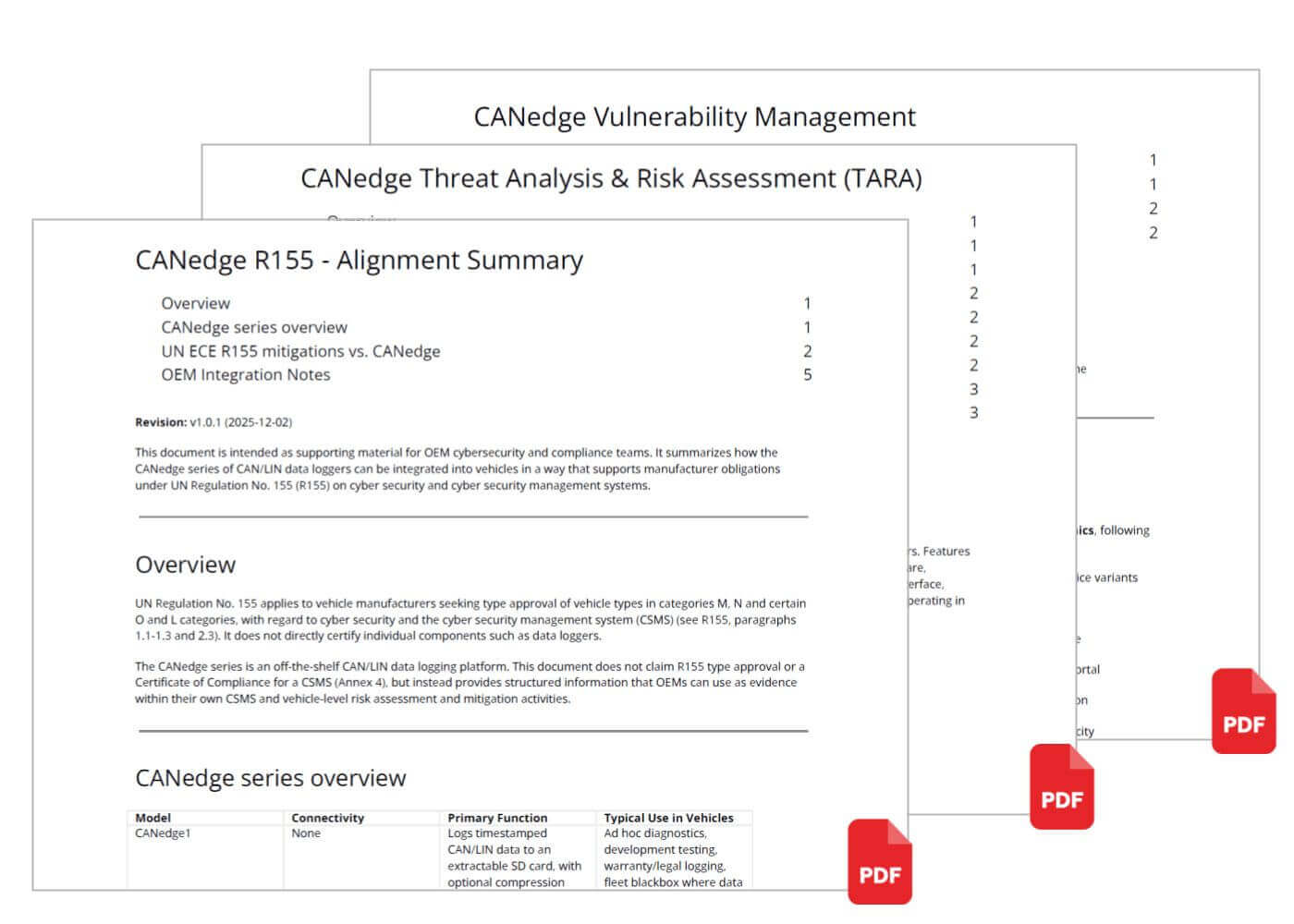
To help ease the OEM integration of the CANedge for such use cases, we now provide structured documentation for this purpose, including below:
- CANedge R155 - Alignment Summary
- CANedge TARA (Threat Analysis and Risk Assessment)
- CANedge Vulnerability Management
You can contact us to get a copy of these documents, e.g. by replying to this mail.
To learn more, see our CANedge cybersecurity article below:
KdG project: J1939 probabilistic predictive maintenance
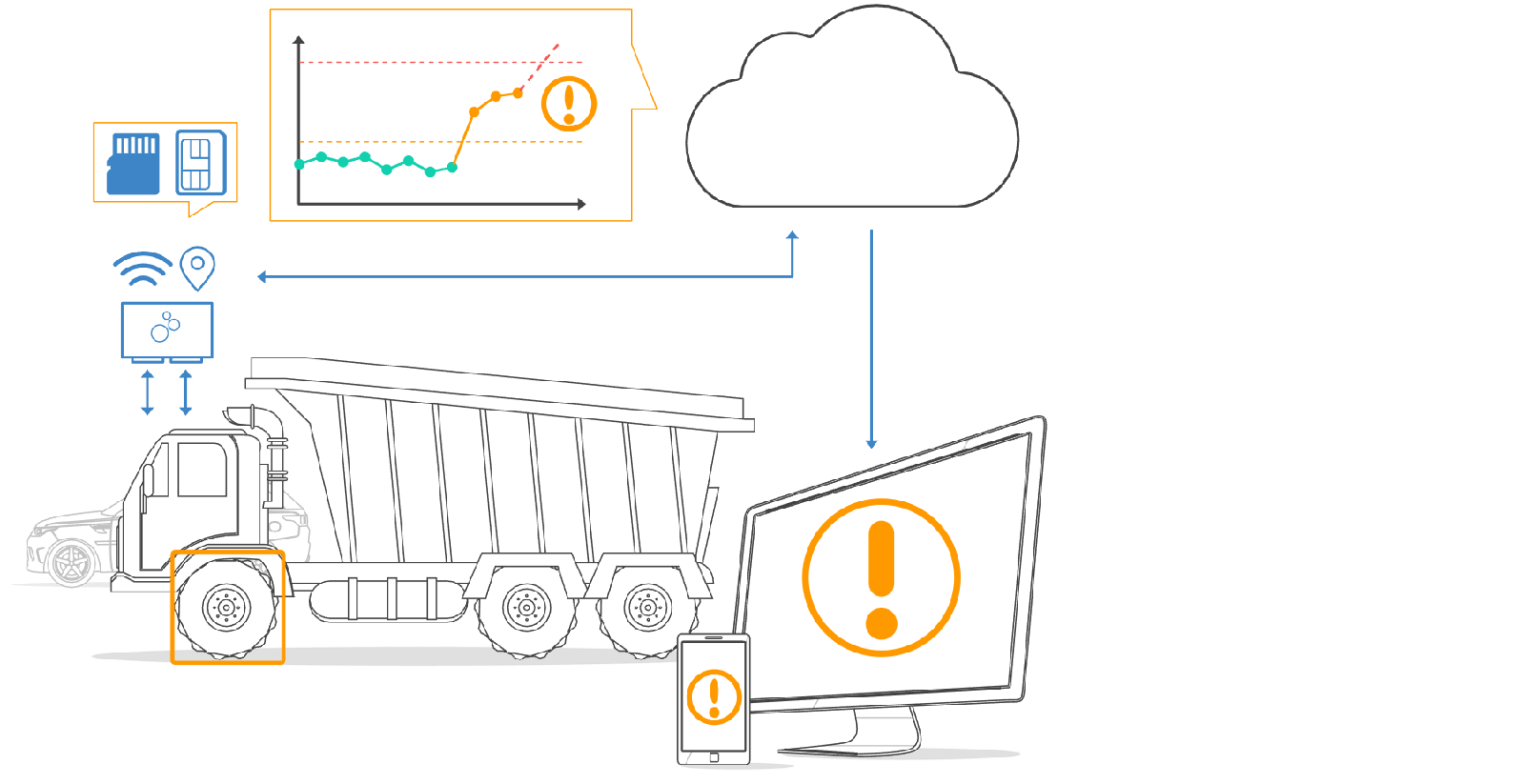
Modern mobile machines generate a wealth of information via the CAN bus - yet most companies lack the know-how to efficiently capture, decipher, and analyse this data, leaving a huge economic value untapped, e.g. for predictive maintenance.
The University of Antwerp and Karel de Grote University College (both Belgium-based) are calling for companies to join their upcoming demonstrative project to acquire valuable data using J1939 and turn it into monetizable predictive maintenance insights using explainable probabilistic Machine Learning, a form of AI. The team will use the CANedge as part of their work and we will be collaborating with them throughout.
Are you a J1939 enthusiast, a mobile machinery provider, a data science specialist - or all of them? Then contact Kris Martens (kris.martens@kdg.be) for an informal chat.
CAN bus gateway: J1939 + ISOBUS to 1 x CAN
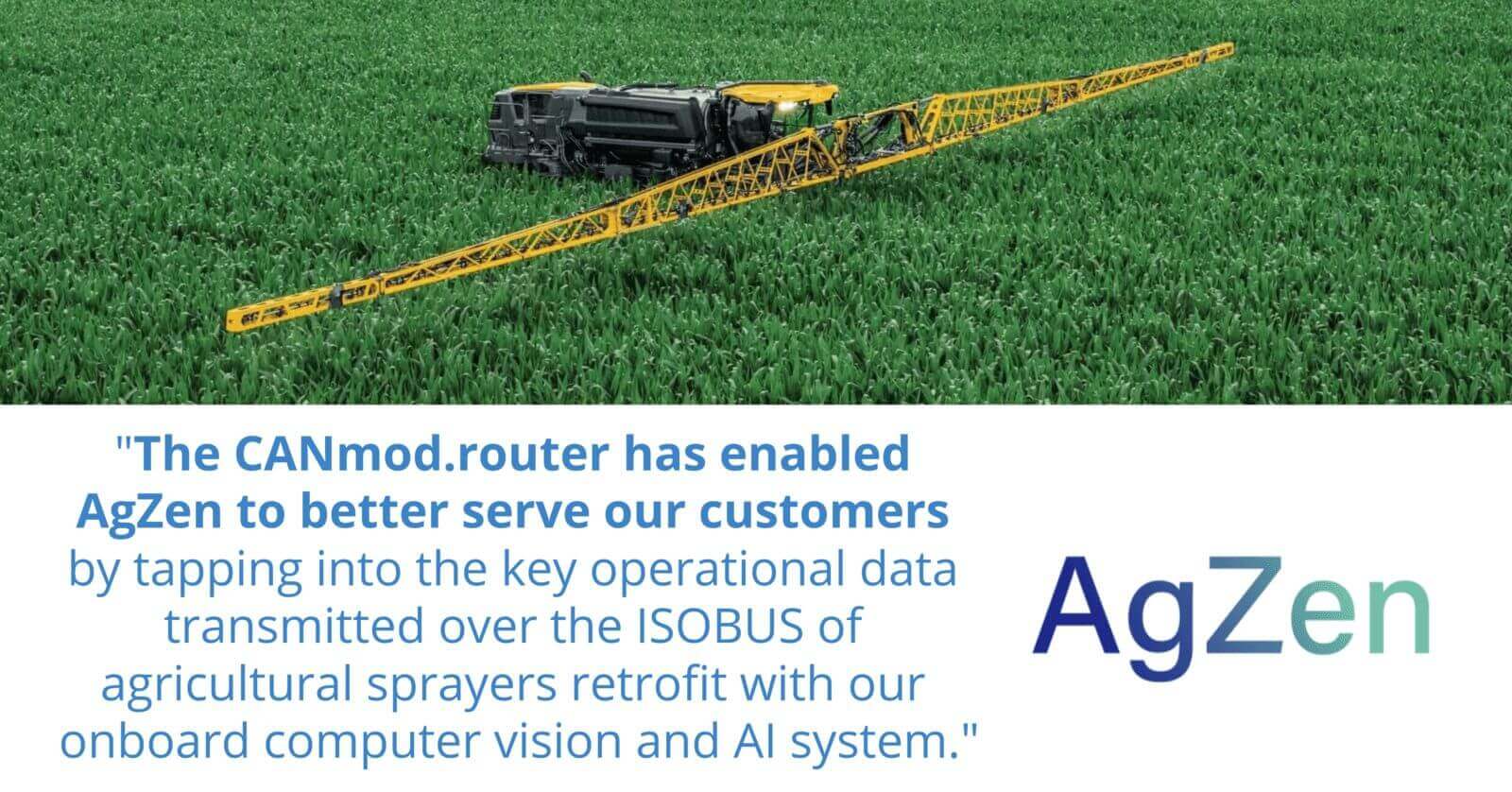
In this recent case study, AgZen deploys the CANmod.router across a fleet of agricultural sprayers. The team needed a way to collect, filter and 'merge' multiple CAN buses (J1939 and ISOBUS) into a single CAN bus output, for consumption by their onboard product (deploying computer vision and AI to optimize sprayer operation).
The CANmod.router was installed standalone to record the J1939/ISOBUS networks, routing this data in 'direct-mode' onto the single 'primary' CAN bus - filtering / prescaling / remapping CAN IDs as part of the process.
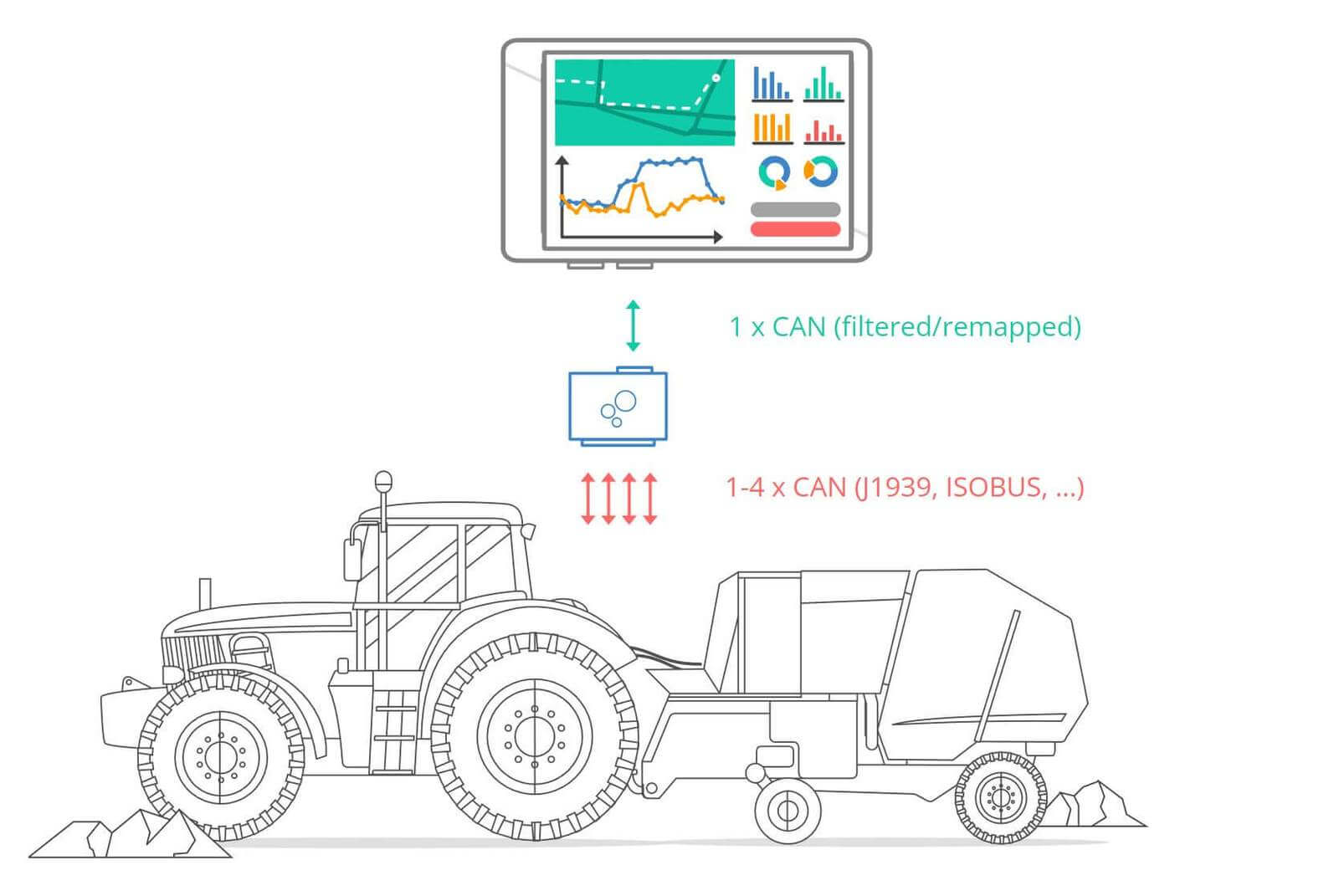
The CANmod.router let the team integrate multiple CAN buses - without having to modify their own single-CAN product. This enabled quick deployment across a larger fleet - enabling farmers to gain detailed insights about their spraying operations, optimize chemical application rates and reduce waste.
Check out the full case study below!
CANopen diagnostics in maritime vessel automation
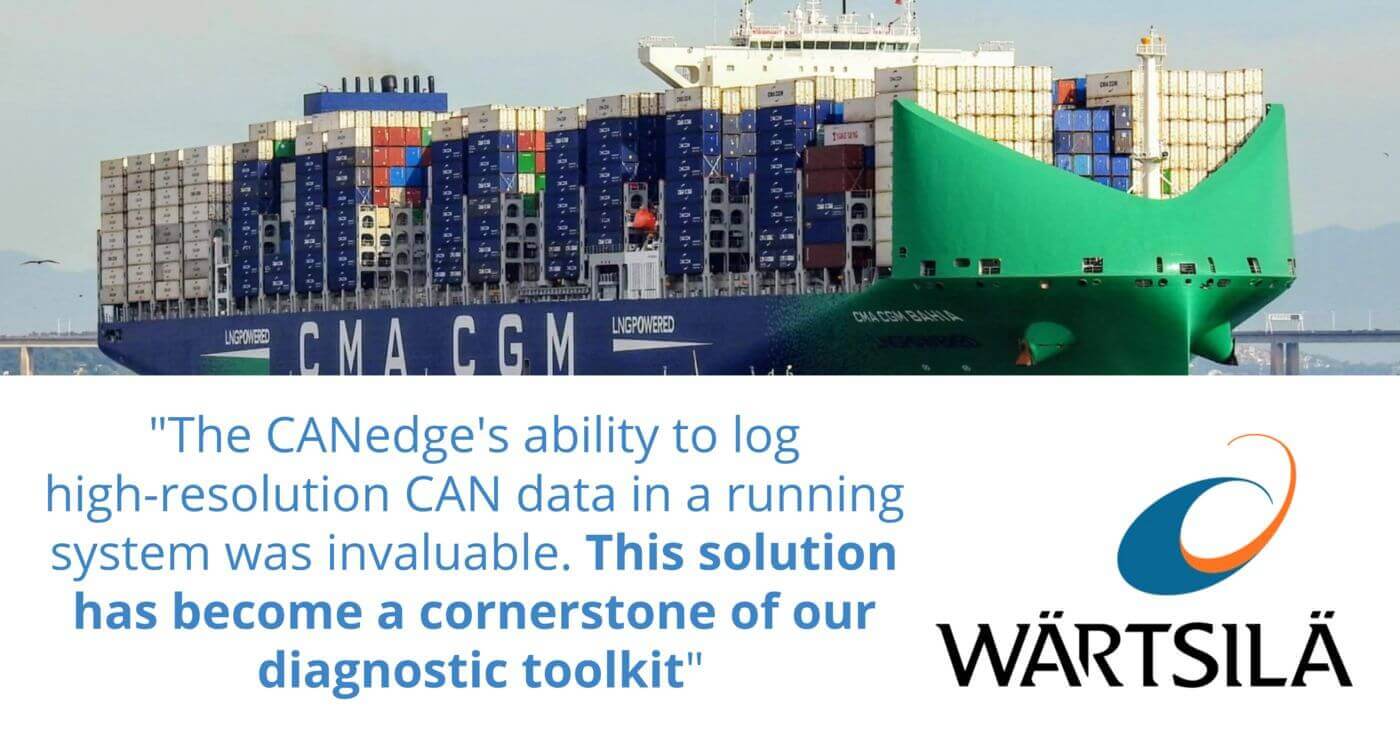
In this case study, Henrik Wiuff from Wärtsilä was facing a challenge with faulty CANopen receive-PDO data causing urgent issues in a CMA CGM ship.
To help identify and resolve the root cause, Henrik's team deployed the CANedge1 to collect raw CANopen data until the error re-occurred. After this, the team extracted the data via the SD card for analysis.
To interpret the CANopen data, the team used our automated process for converting their CANopen Electronic Data Sheet (EDS) file into a CAN database (DBC) file, enabling them to easily decode and visualize data in the asammdf GUI.
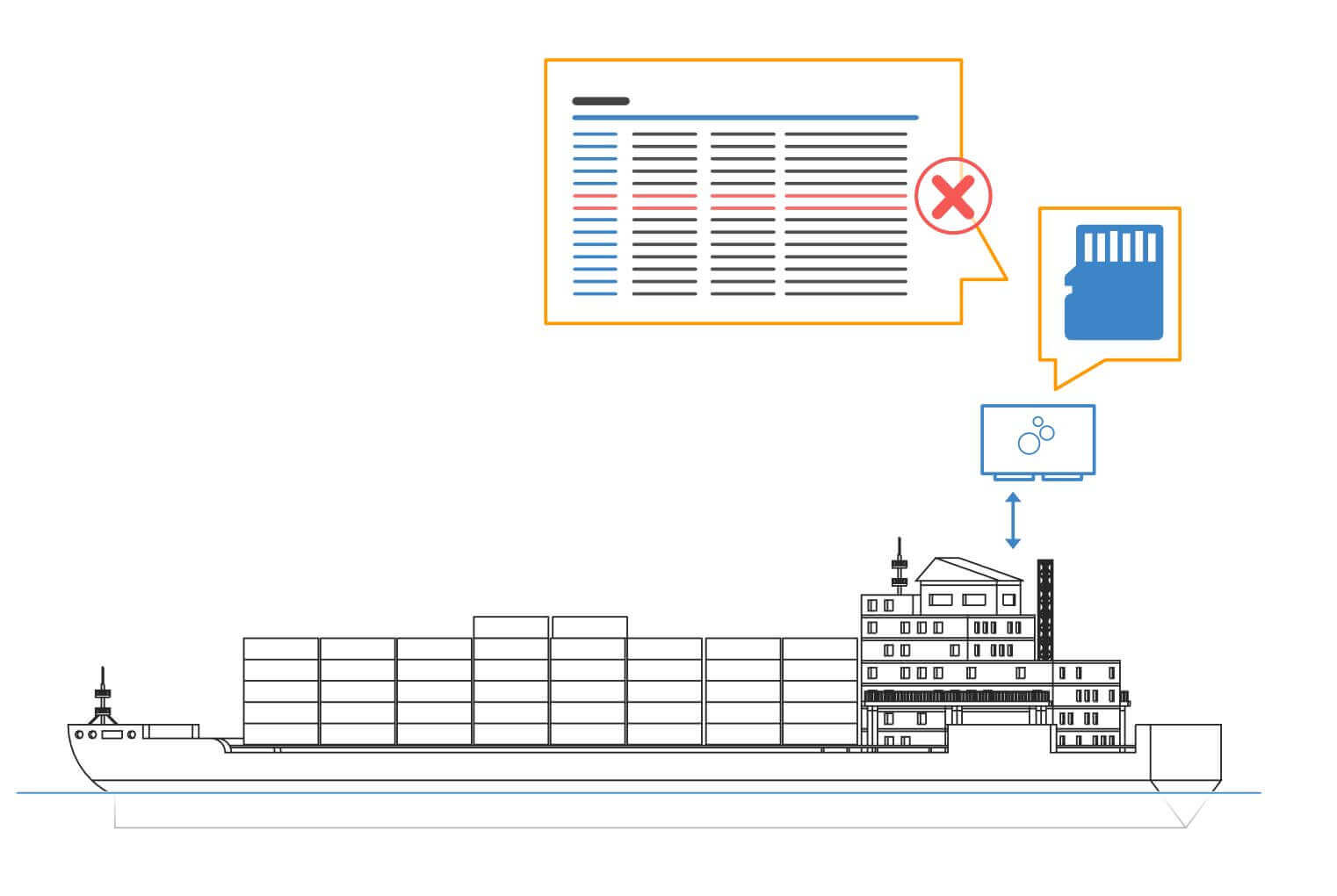
Through this analysis, the team was able to identify that the faulty data came from a different system than their own, with data from one frame overflowing onto another. As Henrik explains: "This was an insight we could not have achieved without detailed logging"
Check out the full case study below!
Marine telematics for hovercraft with Grafana dashboards
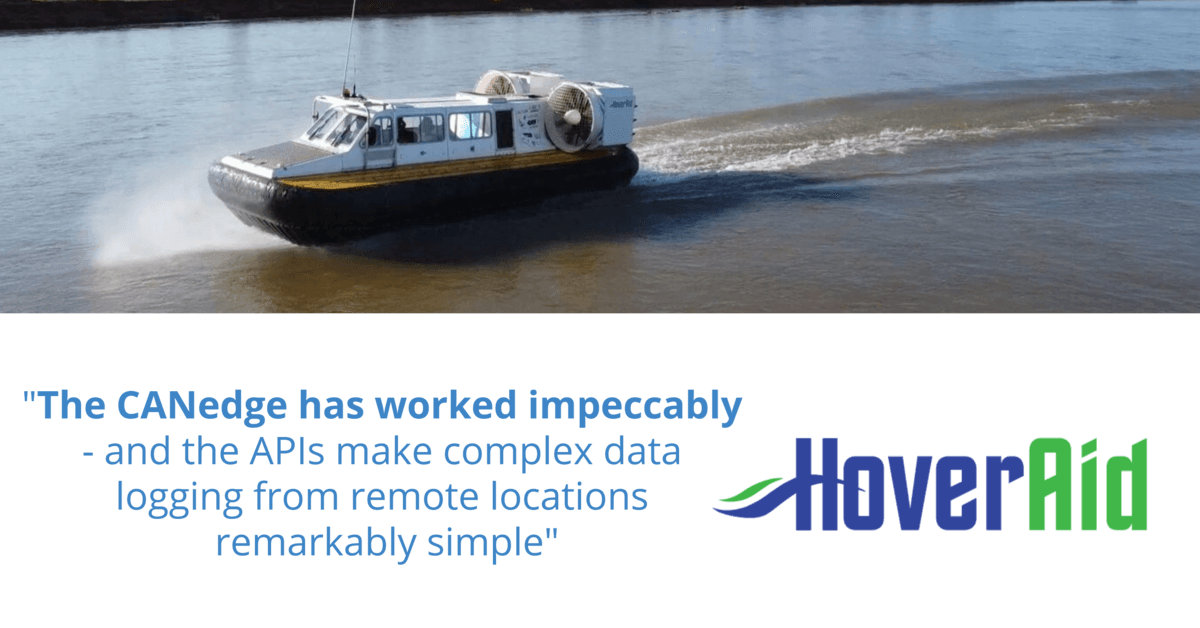
Hoveraid is a charity that brings medical teams to some of the world's most remote and forgotten communities. Alongside other vehciles, the team uses hovercraft - uniquely able to navigate shallow rivers in regions where there are no roads.
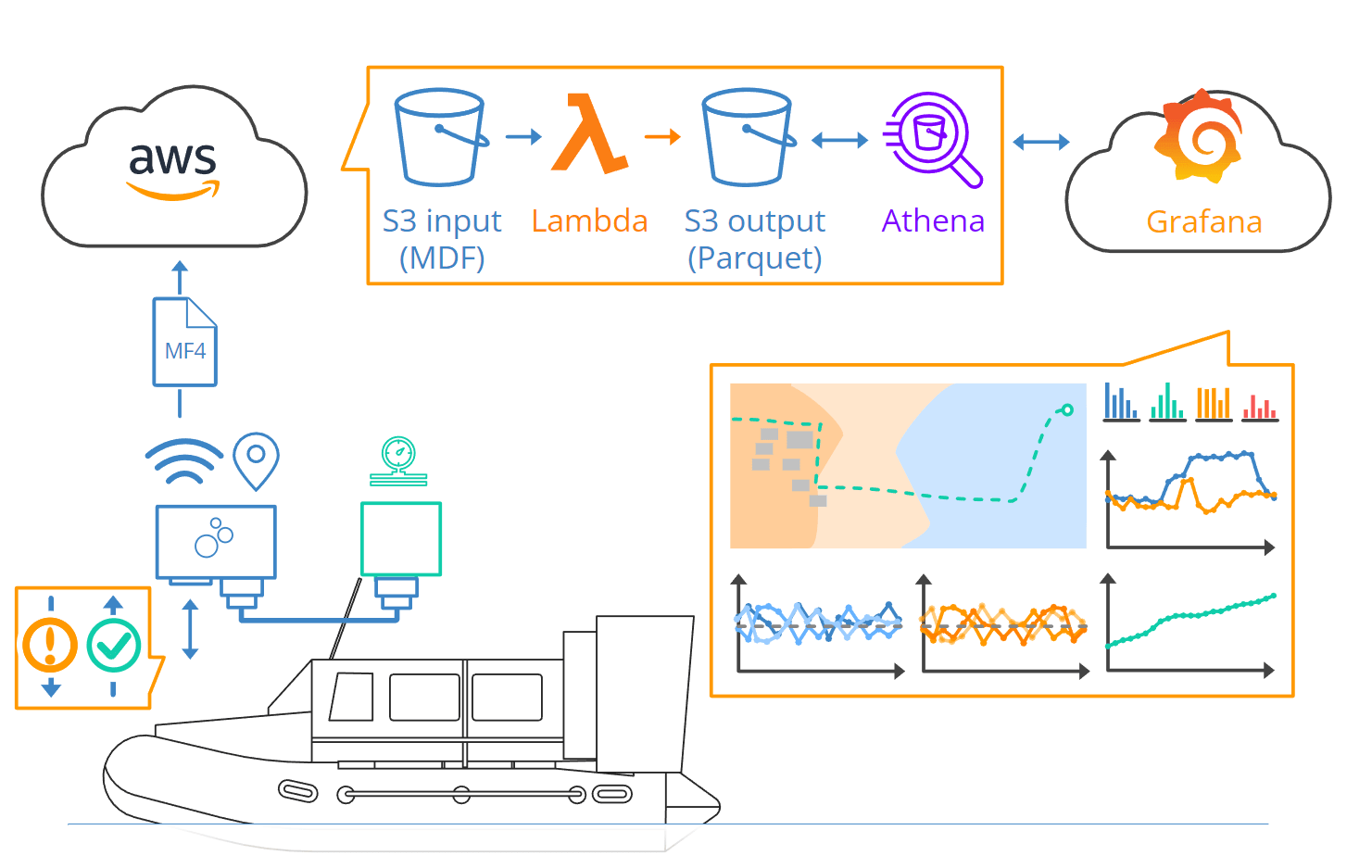
In the case study, Chris explains how they use the CANedge3 with LTE/GPS to collect data, enabling them to provide reporting to funders via e.g. Grafana dashboards - and perform remote diagnostics/troubleshooting.
Check out the full article below!
This update was sent as part of our newsletter on 19 January 2026. You can also download it as a PDF.
Want updates like this in your inbox? Join our newsletter - or see all news.