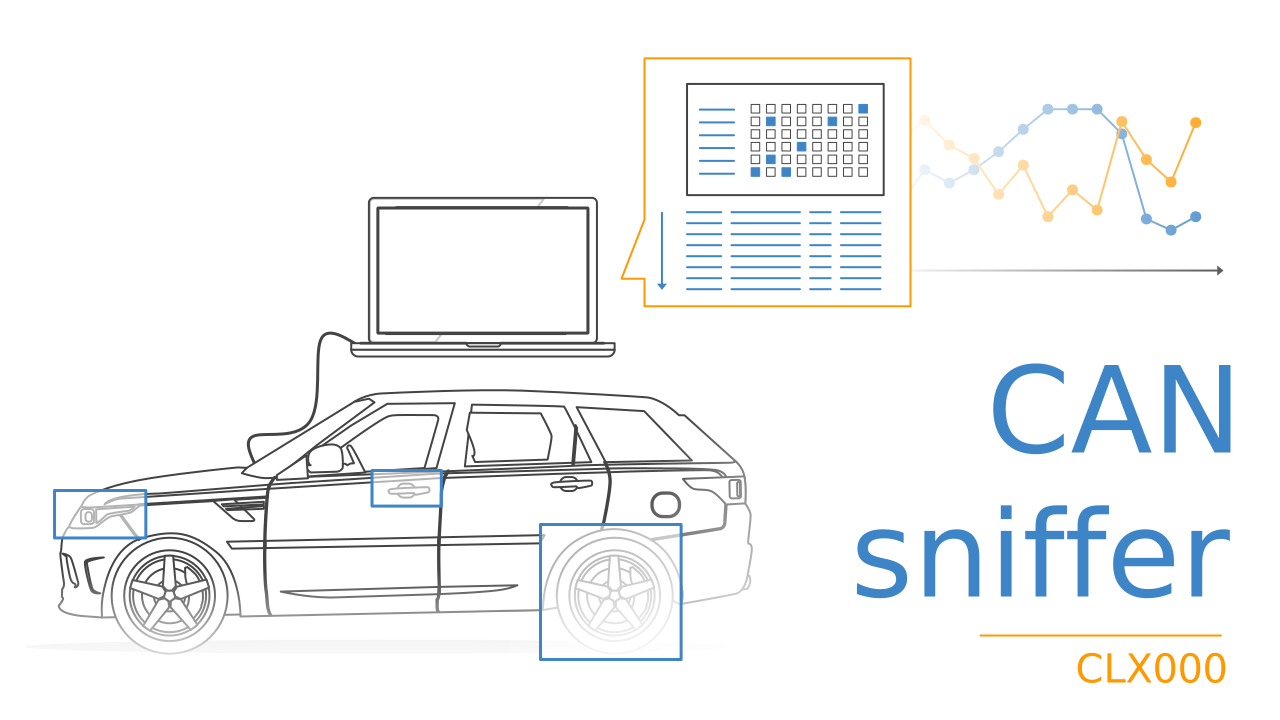
CAN Bus Interface/Logger + SavvyCAN [100% Free Software]
Need to stream CAN bus data - with free software?
Our CANsub 2-4 x CAN interface lets you stream CAN FD data in real-time via USB or Ethernet.
For most streaming tasks we recommend the free browser-based webCAN GUI. However, SavvyCAN remains a strong choice for reverse engineering use cases due to the specialized features (sniffer, range state, fuzzing).
In this intro, you will learn how SavvyCAN can be used for CAN diagnostics and reverse engineering incl. key features.
Learn more below, and try it yourself with our sample data!
 PLUG & PLAY
Open SavvyCAN. Connect & configure your device. That's it
 STREAM
Send/receive raw CAN frames in real-time via USB or Ethernet
 DBC DECODE
Easily DBC decode data in real-time (incl. PGN support for e.g. J1939)
 ANALYZE
Reverse engineer raw CAN data and plot your DBC decoded signals
 TRANSMIT
Live-transmit CAN frames, replay log files and perform 'fuzzing'
 WINDOWS/LINUX
Windows/Linux support. 100% free & open source
A CAN bus interface is a device that allows for streaming CAN bus data to a PC in real-time - typically via USB. It is used extensively within automotive OEM development, reverse engineering and CAN bus diagnostics.
CAN (Controller Area Network) is used across practically any vehicle today incl. cars (OBD2), trucks (J1939), ships (NMEA 2000) - as well as within industrial machinery (CANopen). This makes CAN-to-USB interfaces a must-have tool for analyzing, debugging, diagnosing and developing such applications.
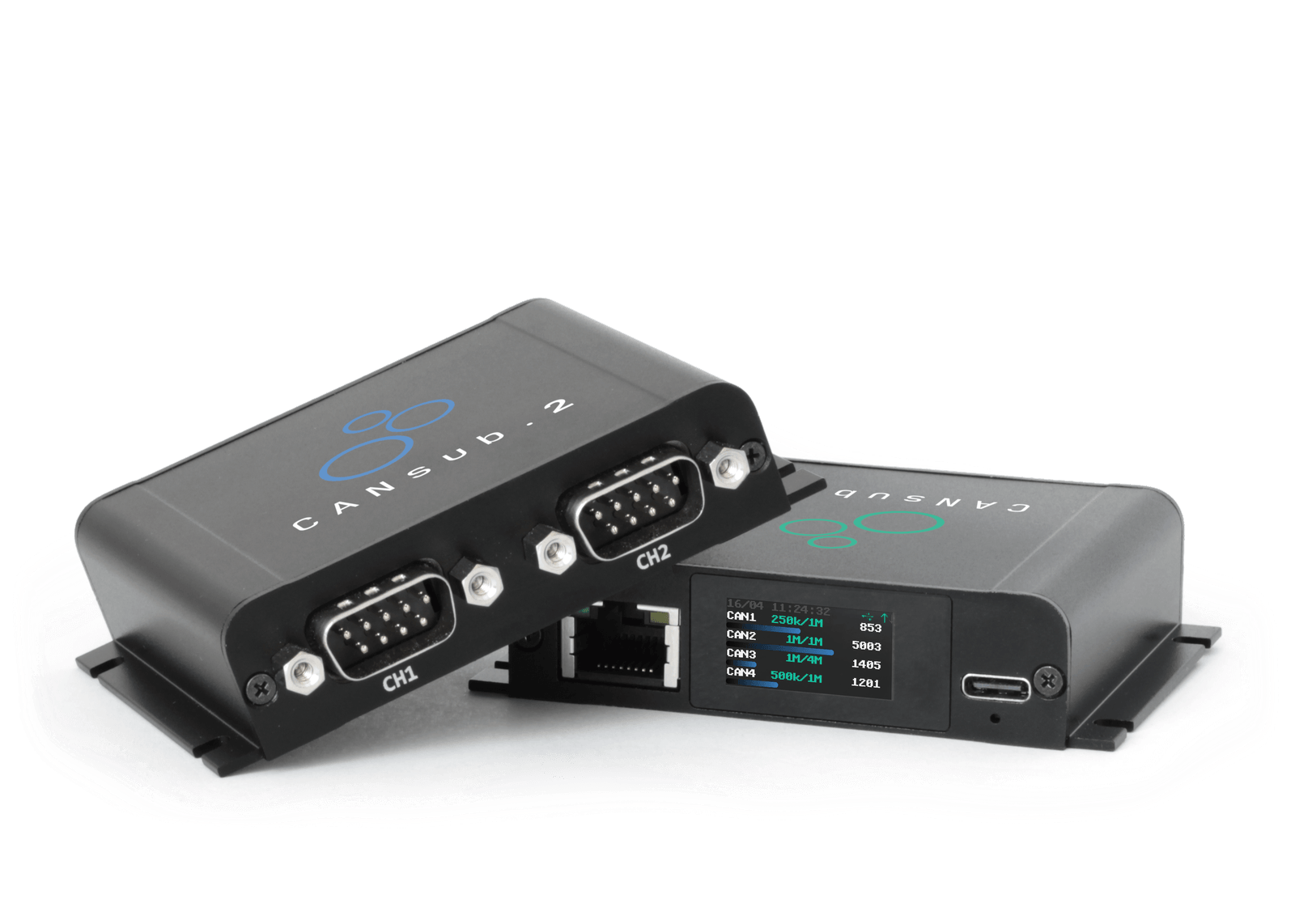
To send/receive CAN data via USB or Ethernet, you can use our CANsub CAN/CAN FD interface, which offers pro specs like 2-4 x CAN FD channels and the ability to connect via either USB or Ethernet.
If your goal is to stream sensor data in the form of CAN frames our CANmod devices can also stream over USB, e.g. the CANmod.gps for GPS/IMU data or the CANmod.temp for temperature data.
A CAN bus data logger is a device that lets you log CAN bus data to an SD card, typically over extended periods. For pure data logging use cases, we recommend our CANedge, which offers superior specs and functionality for logging.
The CANsub is purely a streaming interface (no SD card), so for use cases where you need months of recorded data alongside live PC streaming, the CANedge is the right pick. SavvyCAN can load CANedge log files for offline analysis once they have been converted to a SavvyCAN-compatible format via our MF4 converters.
webCAN is our free recommended tool for most CAN bus streaming use cases with the CANsub, as it offers a superior user experience vs. other GUI tools - including SavvyCAN. This makes it ideal if your goal is primarily to stream raw/decoded CAN bus data in summary/trace views - or visualize CAN signals in plots. Further, it supports easy CSV export/import and advanced features like CAN bus transport protocol support. Further, webCAN runs in the browser straight from the device, so there is no installation or driver setup - and it scales naturally to multi-user teams access from laptops, tablets or phones.
SavvyCAN's continued value lies in its specialist views and reverse-engineering workflows:
- The sniffer view highlights which CAN IDs change at the byte/bit level over time, ideal for spotting state changes (door locks, button presses). This is also supported at the byte level in webCAN, but not bit level
- The range state view tracks per-byte value ranges across messages, useful for decoding continuous signals like speed, RPM or state of charge
- The fuzzing tools let you probe ECU responses with crafted frame sequences
Further, SavvyCAN remains the primary streaming GUI tool for the CANmod series as webCAN is CANsub-specific.
In short: Use SavvyCAN for if you need specific reverse engineering views for your CANsub, or to stream with a CANmod.
Easily stream CAN bus data in real-time via USB
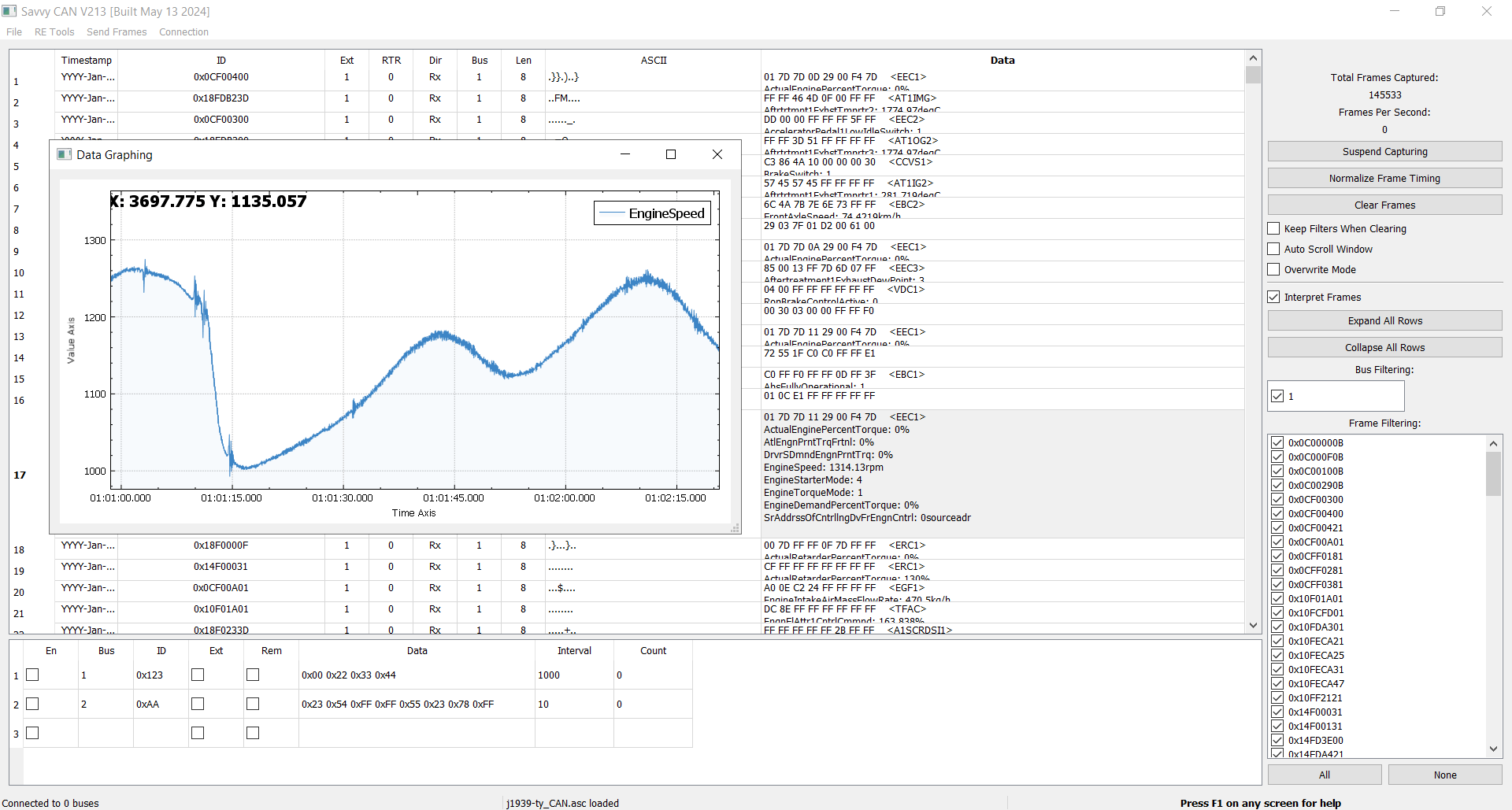
Using our free SavvyCAN plugin, you can easily connect your CANsub CAN bus interface to stream real-time data in auto-scroll or overwrite/trace mode. Easily filter by CAN ID.
Load CANedge log files
If you use a CANedge to log raw CAN data to an SD, you can load those log files natively in SavvyCAN (via our MF4 converters), ideal for e.g. diagnosing rare issues or analyzing trip data.
DBC decode raw CAN data to 'physical values'
You can load a CAN database (DBC file) to easily display decoded signal data (km/h, rpm, degC, %, ...) aka 'physical values'. Works for both for loaded log files and real-time data
Plot your data parameters in real-time
You can plot physical value signals (e.g. from your DBC file), which lets you visually monitor changes to your CAN bus in real-time, as well as e.g. plot recorded log file data.
Highlight changes to data bits/bytes
This highlights changes in the CAN bus data at the byte or bit level. Ideal for e.g. reverse engineering door locks and other "state changes" in real-time.
Reverse engineer continuous data parameters
This lets you specify a hypothesis on the characteristics of a CAN signal - and then plots all possible combinations. Ideal for reverse engineering signals like SoC, speed, RPM etc.
Diagnose/analyze your raw CAN data step-by-step
'Step-through' a log file (or active CAN stream) to analyze changes to bits and bytes. Bits will be colored based on changes vs. the start of the session/log or the previous frame.
Easily transmit custom CAN frames
You can use the CANsub to transmit custom CAN frames in real time, with full control over ID, payload and frequency. Apply custom functions for advanced data transmission.
Replay log files into your CAN bus
Load a log file (e.g. from a CANedge) and replay it back onto the CAN bus via the CANsub, with full control over frequency, burst behavior and more. Ideal for simulation and reverse engineering.
Transmit 'controlled randomness' (fuzzing)
Fuzzing lets you send random information into your CAN bus 'to see what happens'. You can customize the fuzzing restrictions to restrict the randomness to your requirements.
Want to try it yourself? Download SavvyCAN now and load our sample data!
Use case examples
Reverse engineer CAN bus data
Need to extract proprietary parameters from your CAN bus?
Most CAN data is encoded in a proprietary way, and to make sense of the data, you need to "reverse engineer" the data. The CANsub combined with SavvyCAN is uniquely suited for this: The CANsub streams CAN/CAN FD data over USB or Ethernet, while SavvyCAN serves as a 100% free tool designed specifically for CAN bus reverse engineering. Use e.g. the 'sniffer view' to decode state changes (door locks, buttons, etc) or the 'range state view' to decode continuous signals (speed, state of charge, temperatures, ...). Create your own DBC and use SavvyCAN to confirm your decoding.


Diagnose your CAN bus
Need to troubleshoot a rare issue in your CAN bus application?
With the CANedge, you can log data to an SD over longer periods, e.g. to capture an issue or error event. You can now extract the data from the SD card and analyze the event in detail via the SavvyCAN 'flow view' or through visual plots. You can also stream CAN bus data with the CANsub over USB or Ethernet in real-time during an event to understand the dynamics through the raw CAN frames or by DBC decoding the data.
For mobile setups, the CANsub's Ethernet port makes it easy to access CAN data over WiFi: Plug the CANsub into a small WiFi router (or use a PoE-capable WiFi access point) and connect SavvyCAN on a laptop or tablet to the same network. You can now stream live CAN frames from a vehicle or test bench without dragging a USB cable around. For details on LAN, WiFi and LTE setups, see our CAN via Ethernet article.
Simulate/control your CAN bus
Need a simple way to simulate or control your CAN bus?
You can freely control transmission of CAN frames via SavvyCAN and the CANsub. This is ideal for basic control functionality, testing, debugging and simulation. Further, with the 'playback' feature you can load a CANedge log file with "field data" and replay it onto a CAN bus. This is perfect if you need to simulate CAN bus data from e.g. a truck or car while sitting at your desk.

FAQ
SavvyCAN is developed primarily by Collin Kidder. The source code is available on github with an active community that continuously helps to improve the tool. If you have suggestions/issues, you can report these directly on the github issues page.
The SavvyCAN plugin that enables streaming from our CAN-USB interface is developed by CSS Electronics..
Yes, SavvyCAN is 100% free and open source (MIT license).
Yes, you can use SavvyCAN to send custom CAN frames via the CANsub, replay log files and more. The CANsub also supports on-device transmit jobs with edge-based 10 µs timing precision when used via e.g. webCAN or Python, which is ideal for OBD2, UDS or J1939 request sequences. For programmatic control, you can follow our Python API docs to create custom script integrations, e.g. to use the device as a 'control unit' in your application.
The CANedge is our series of pro specs CAN bus data loggers. The CANedge1 is a 2 x CAN/LIN data logger that is optimized for SD logging. The CANedge2 supports automatic upload of log files to your own server - as well as over-the-air updates.
The CANedge series does not support USB streaming (for that, use the CANsub), but the log files from the CANedge can easily be converted to a SavvyCAN-compatible format using our MF4 converters. As such, you can easily load the log files in SavvyCAN if you prefer, though you may alternatively want to consider the asammdf GUI, which natively supports the CANedge log files.
Ready to analyze your CAN bus data in SavvyCAN?
Get your CANsub today!