DBC File Editor + ISOBUS DBC File for CANedge [News]
news / 2023-01
Our online DBC file editor lets you load or create CAN DBC files, preview signal encoding and validate the syntax, with support for J1939, NMEA 2000, OBD2, UDS and CANopen. Plus: An ISOBUS DBC file, Python API updates and intros to CAN bus errors, CCP/XCP and ISOBUS.
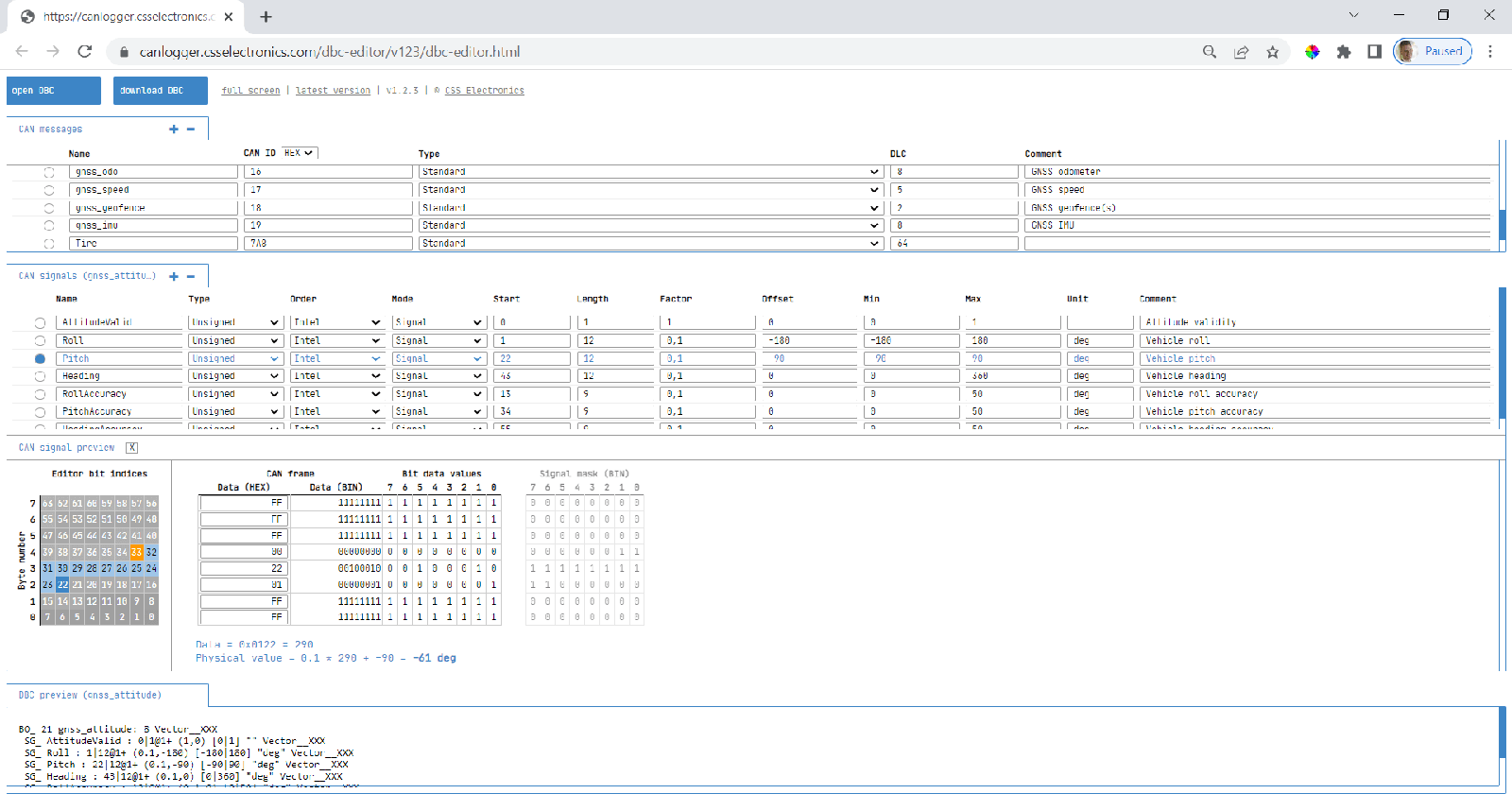
Online DBC file editor
Need to create or modify CAN databases (DBC files)?
Then check out our new 100% free online DBC file editor!
Key features:
- Load any CAN DBC files (or create new)
- Supports J1939, N2K, OBD2, UDS, CANopen, ..
- Signal preview for real-time encoding analysis
- Quickly test signal physical value decoding
- DBC syntax preview for real-time view of output
- Extended multiplexing support (e.g. for OBD2/UDS)
- Intuitive handling of Intel/Motorola ala DBC syntax
- Field validation to help ensure valid DBC files
- Review changes via git-style 'change comparison'
We hope you'll find this tool useful - and let us know if you have any feedback!
ISOBUS DBC file
Need to decode data from your tractor/implement ISOBUS?
If so, this DBC file is a great time saver! The DBC file contains ~100 ISOBUS PGNs and 650+ SPNs. This makes it useful in processing raw ISOBUS data from tractors and implements (sprayers, seeders, ...) that you've recorded using e.g. the CANedge.
The ISOBUS DBC can of course be combined with our J1939 DBC and NMEA 2000 DBC - all of which will be relevant in most agriculture vehicle applications.
InfluxDB Writer - now 10x faster!
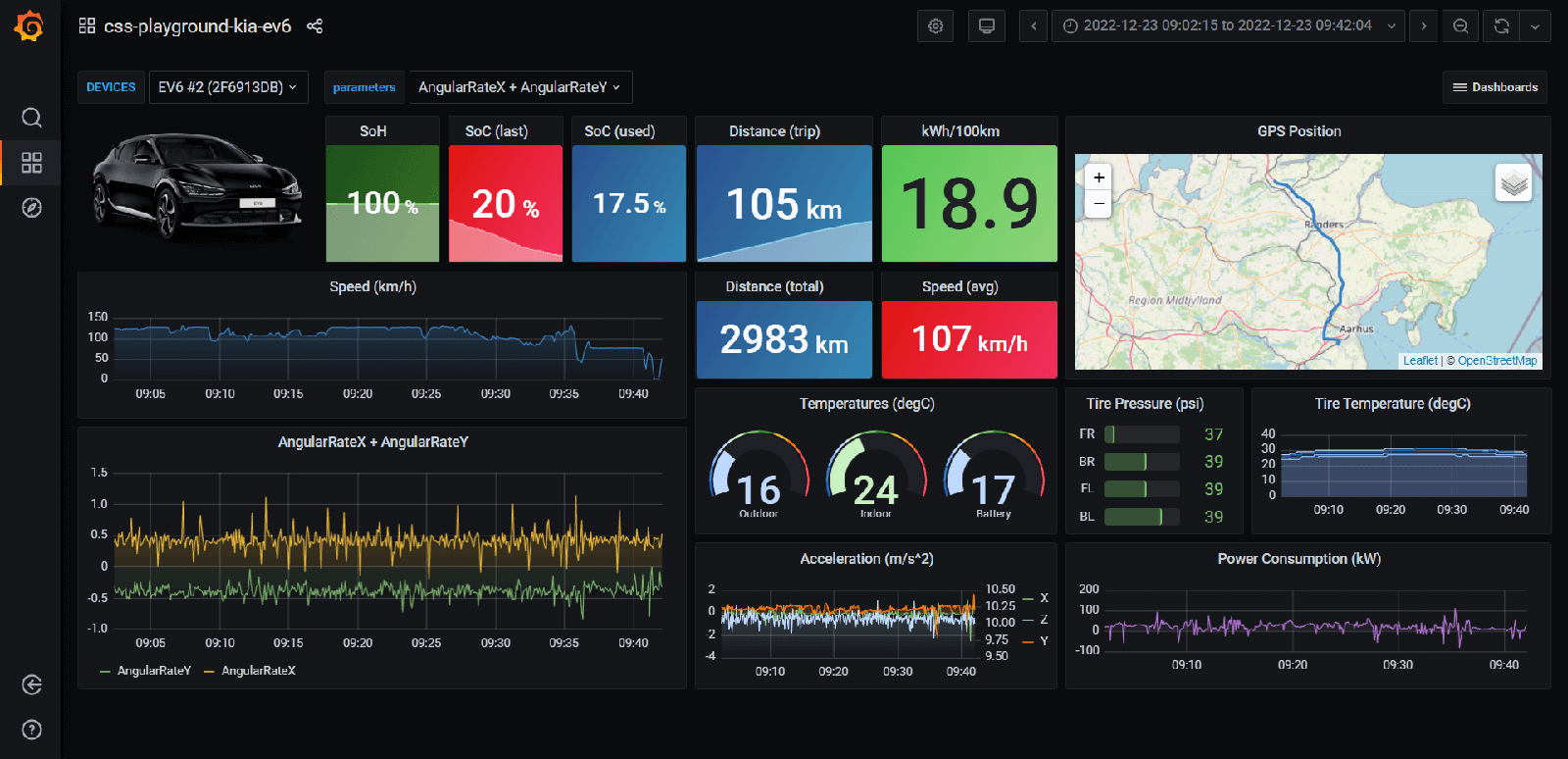
Need to visualize your CAN data in dashboards? If so, you can use our 'CANedge InfluxDB Writer' integration. The latest version improves processing speed by 10x!
Python: Auto-concatenate log files
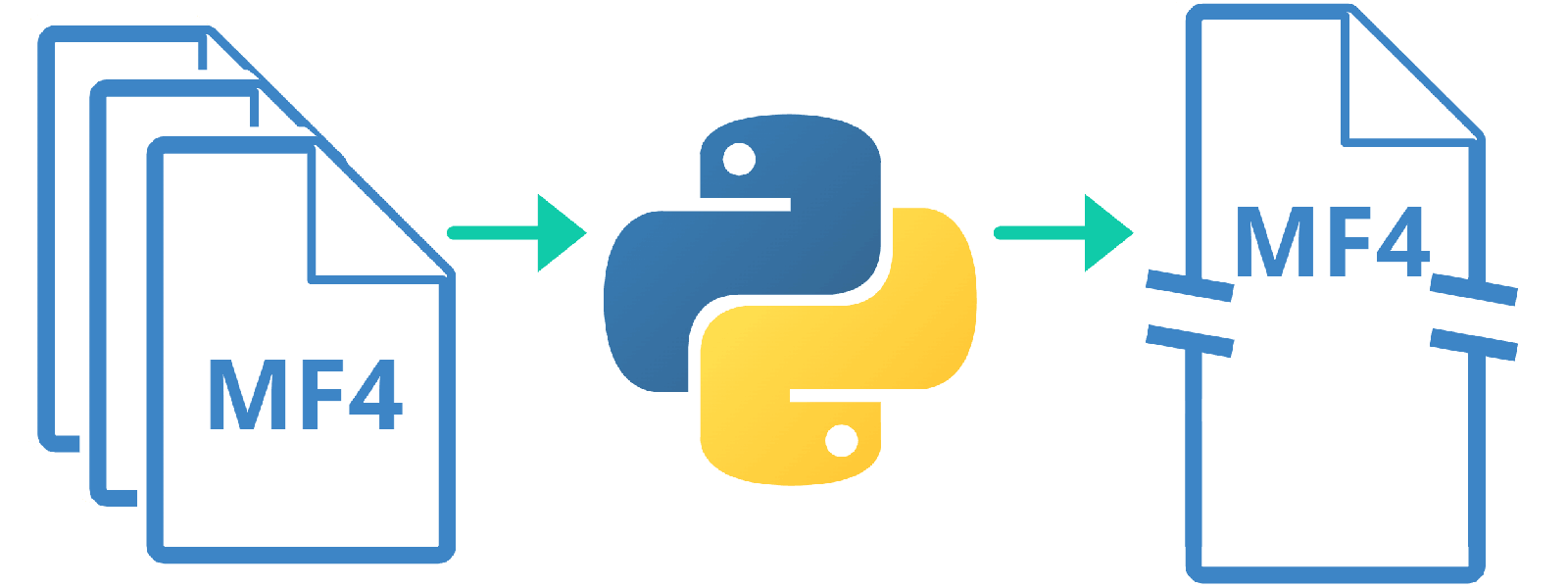
Need to auto-concatenate your CAN/LIN MF4 log files? This new Python script lets you automate multiple processing steps to combine your individual log files. You can specify the output period length, naming style and whether to DBC decode the data - helping you to potentially save many hours of work!
asammdf 7.2.0 released
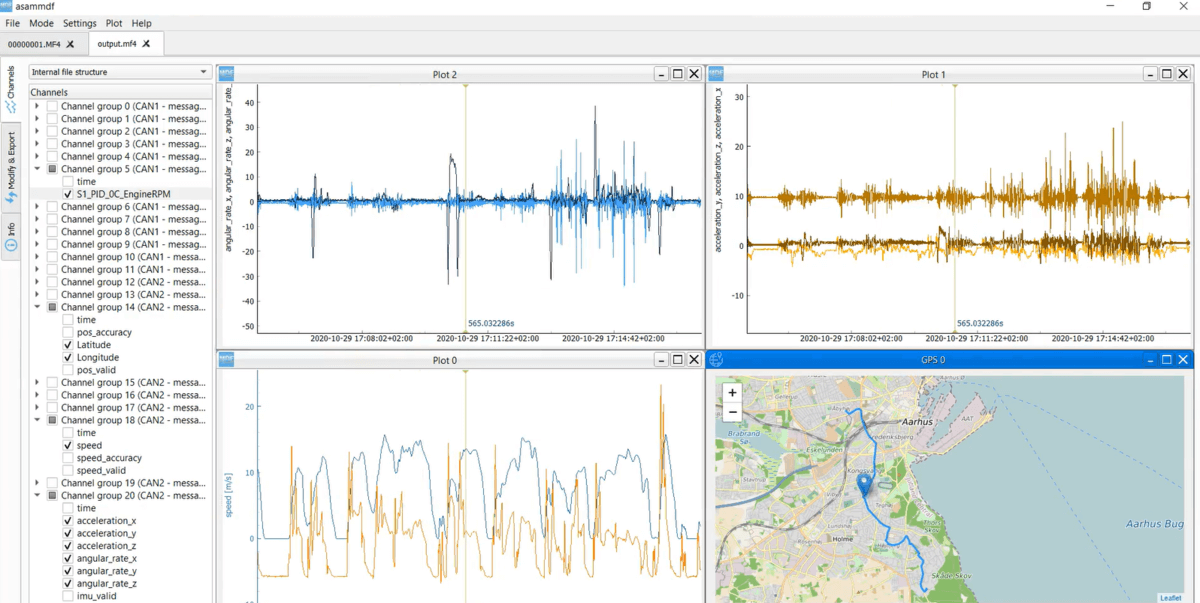
The asammdf GUI lets you load your CANedge log files to view the raw CAN/LIN data, DBC decode & visualize it and export it to CSV/MAT. The new v7.2.0 reduces boot time, enables quick display of GPS data and supports saving/loading custom panel views!
CAN Bus Errors - A Simple Intro
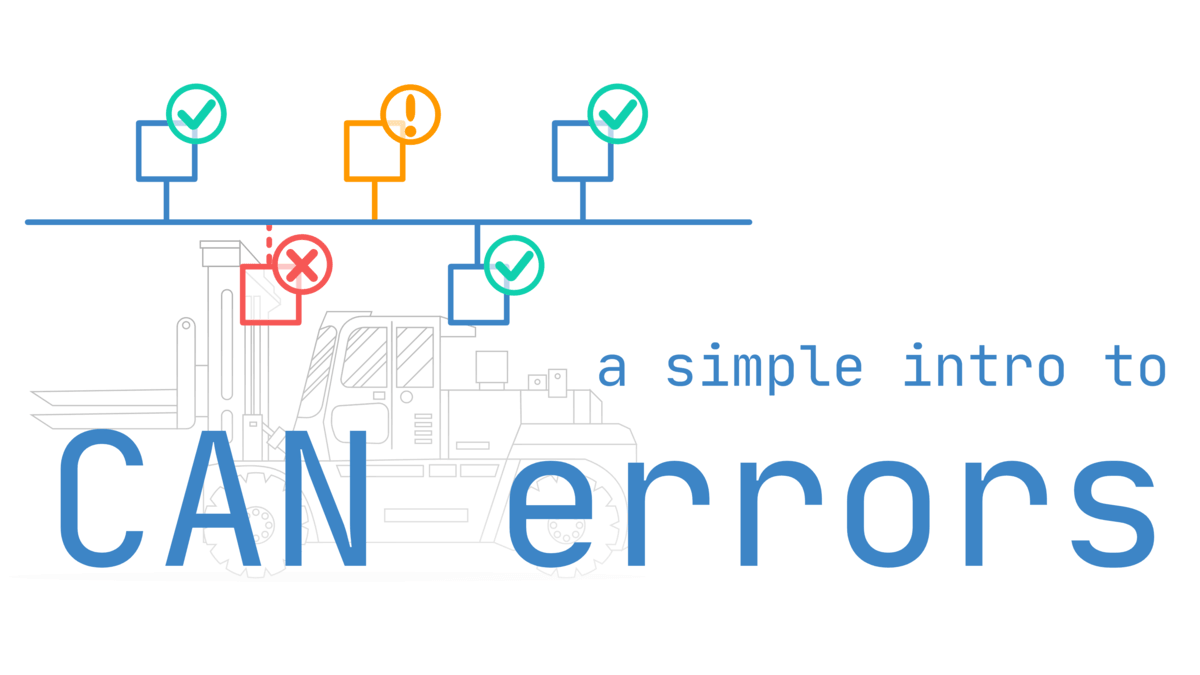
This new tutorial covers CAN error frames, the 5 error types, states & error counters and more. It offers intuitive visualizations and practical examples of generating/recording CAN errors - e.g. from collisions. We also show how the CANedge can be used to record and visualize the errors. Check it out!
CCP/XCP Protocol - A Simple Intro
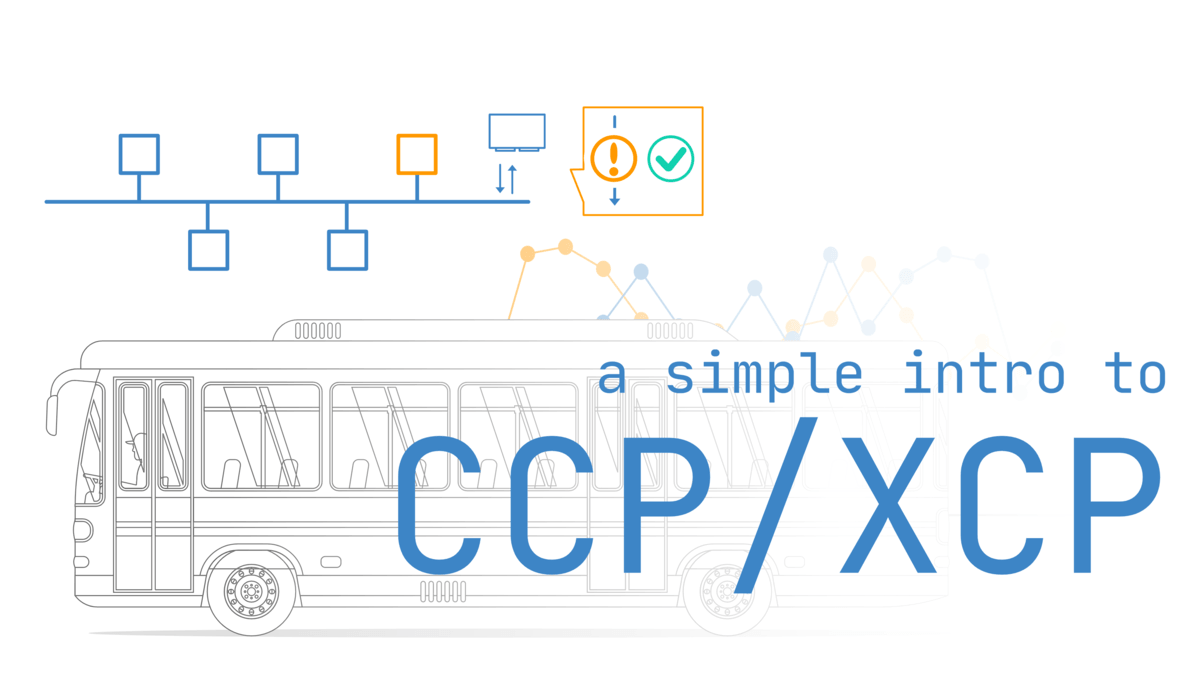
This new intro focuses on the CAN Calibration Protocol (CCP) and XCP on CAN bus. We explain message types, how to record/decode ECU data, A2L files - and how the CANedge can be used for polling/DAQ logging!
ISOBUS - A Simple Intro
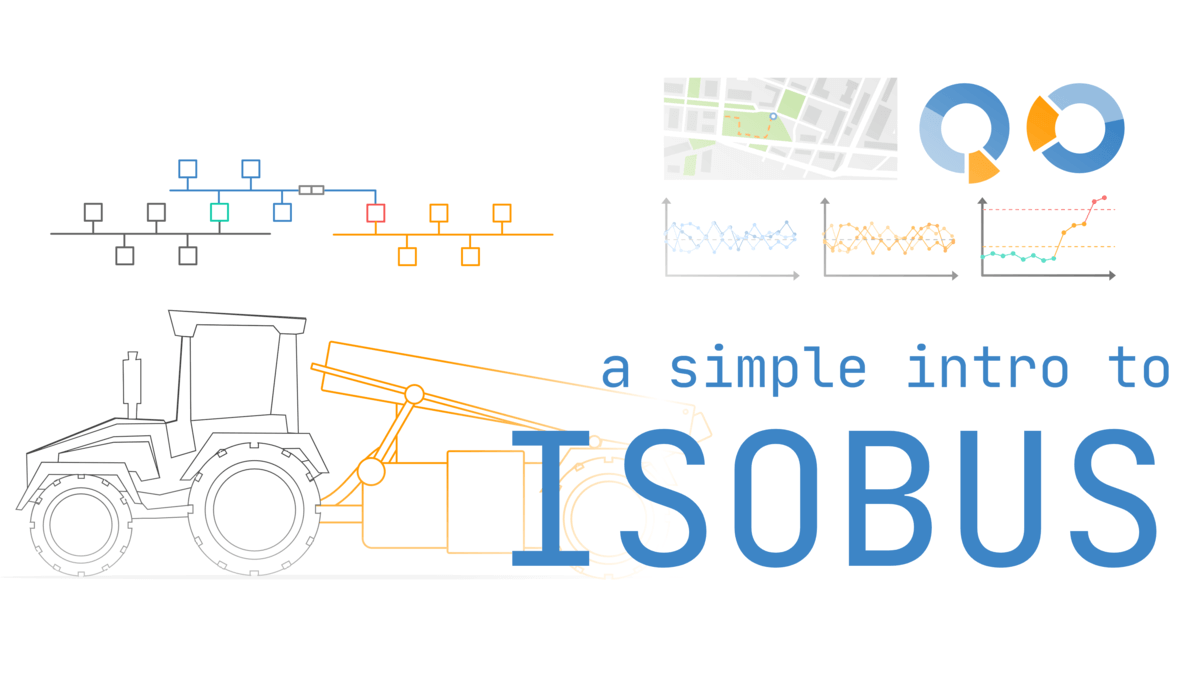
Our introduction to ISOBUS covers the history, AEF, OSI model, connectors and more. To showcase the link between ISOBUS, J1939 and NMEA 2000 we also provide a cool Grafana dashboard playground!
Status at CSS
We hope you enjoyed this semi-packed newsletter. Our next update will focus on the new firmware 01.07.01 for the CANedge, which introduces various new features.
In parallel, we are gearing up for some major updates that we are excited to share with you over the coming months - stay tuned and follow us on LinkedIn for weekly updates!
Note: Our availability remains strong with 100% of products in stock. We ship within 1 business day - get your CAN logger today!
This update was sent as part of our newsletter on 4 January 2023. You can also download it as a PDF.
Want updates like this in your inbox? Join our newsletter - or see all news.