WiFi Data Logger Web Server: CANedge2 FW 01.08.01 [News]
news / 2024-08
CANedge FW 01.08.01 adds a web server interface to the CANedge2 WiFi data logger: Browse and download SD card files in your browser, pull data via REST API and perform over-the-air updates. Plus: A new CANmod.temp enclosure, J1939 DBC 2024-06 and a Vitesco case study.
FW 01.08.01: New CANedge2 web server interface!
The CANedge FW 01.08.01 is now available, introducing a large number of improvements (changelog).
However, the main star is the new CANedge2 web server interface!
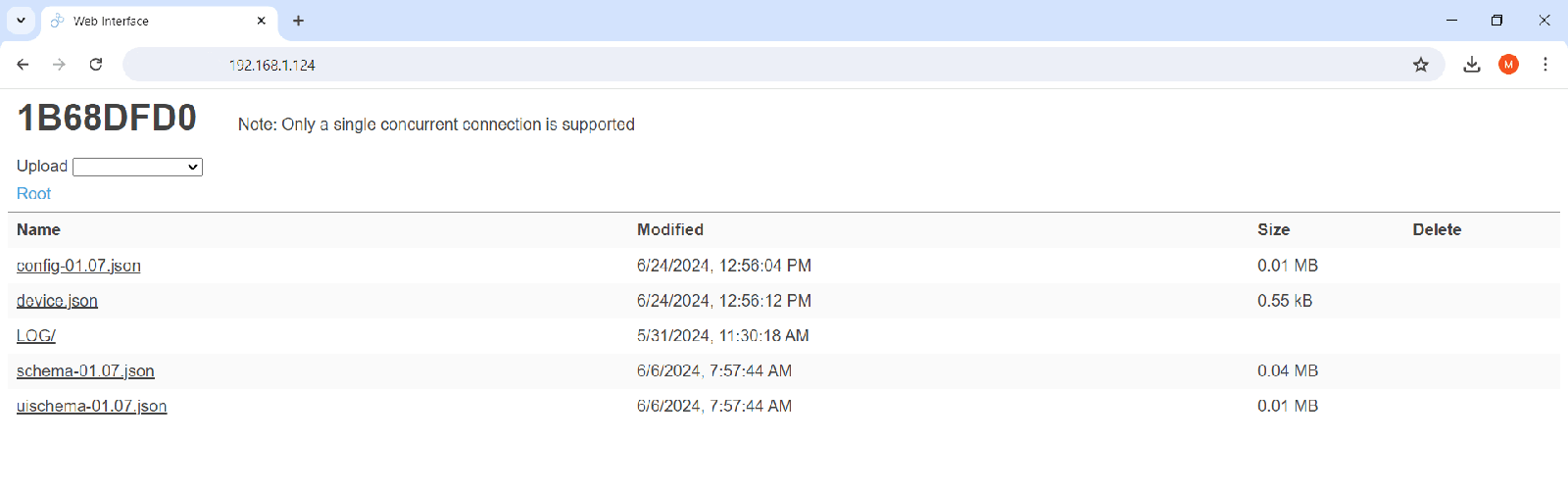
You can configure your CANedge2 to use the web server interface instead of the S3 server interface - making the CANedge2 even more versatile.
Key web server features include:
SET UP IN 30S: Simply configure your WiFi name/password - no server required
EASY TO USE: Browse/download files from the SD via WiFi - directly in your browser
REST API: Use Python scripts to e.g. extract all log files from a specific period
DIRECT: Optionally use your laptop as WiFi AP for direct access (no separate WiFi)
REMOTE: Use VPN to securely access your device remotely via the internet
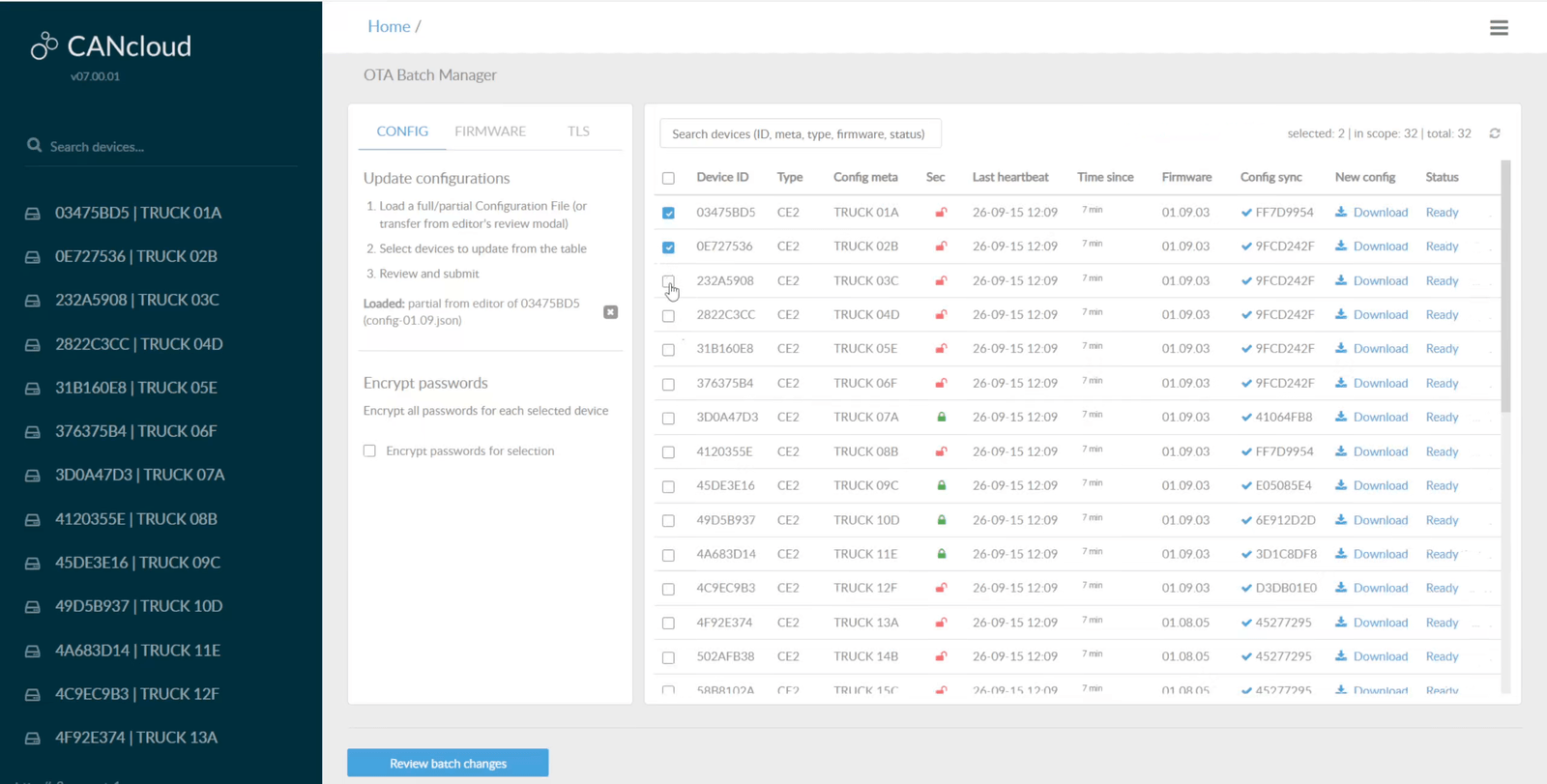
OTA UPDATES: Perform immediate over-the-air config/firmware updates in 3 clicks
Below we outline example use cases - and a link to our full web server article!
Pull data over local WiFi
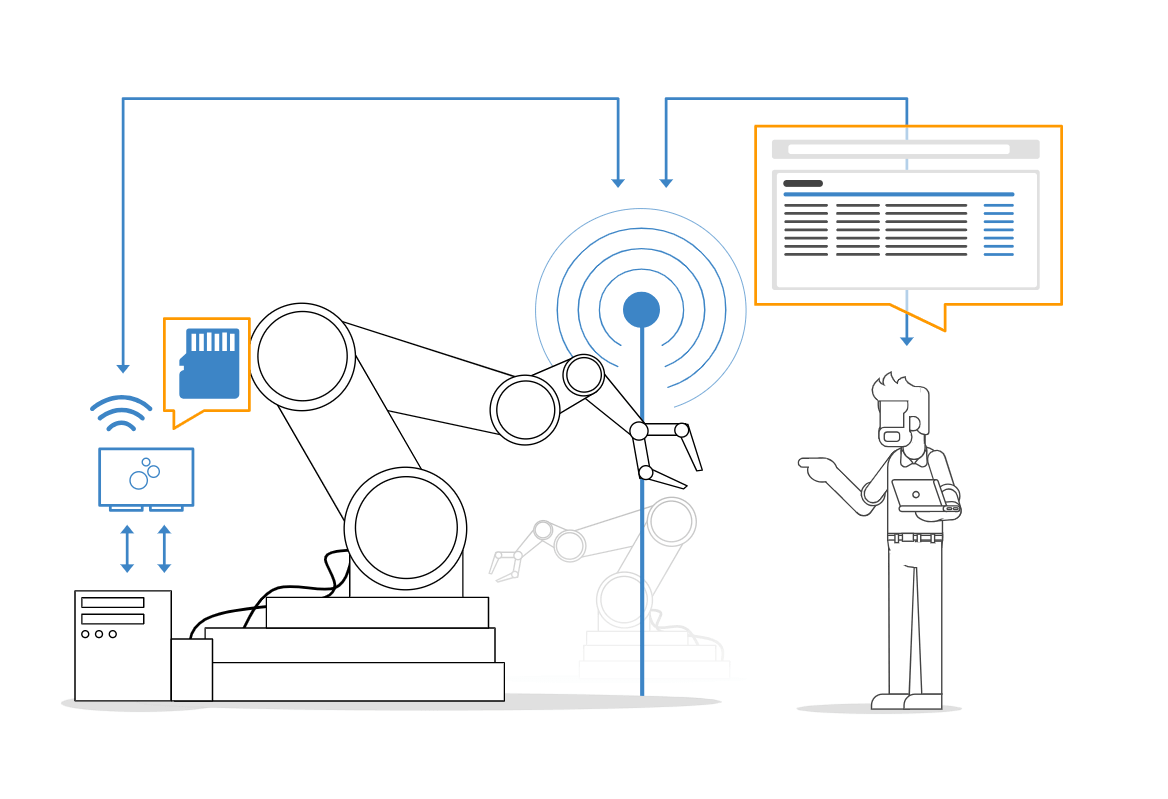
If you are in a test bench or lab setup, you may want to access data 'ad hoc' - while leaving the device continuously installed and recording. Now you can simply connect the device to your office WiFi to enable SD access from any PC on the network via a standard web browser. Access can be restricted via an encrypted password. This way your team can easily fetch the data they need, when they need it.
Pull data remotely via the internet
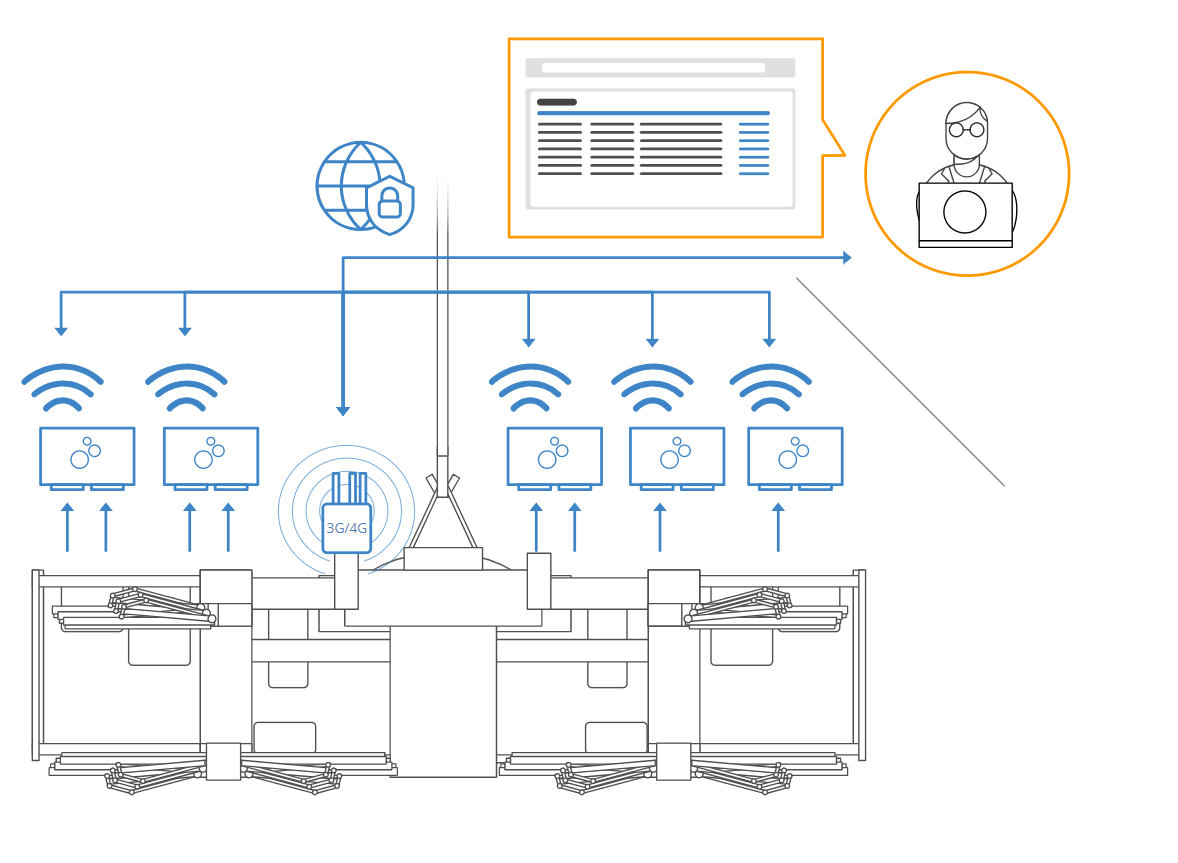
The CANedge2 may be deployed in an area with internet coverage - but where you do not want it to offload 100% of the data to a remote server. For example, it can be used as a blackbox in windmills for rare issue diagnostics. If you deploy a standard 3G/4G WiFi router to provide a local WiFi network for the CANedge2, you can access the web server interface securely through the internet using a VPN. This lets you pull data of interest based on file timestamps for remote diagnostics and troubleshooting.
Pull data without separate WiFi
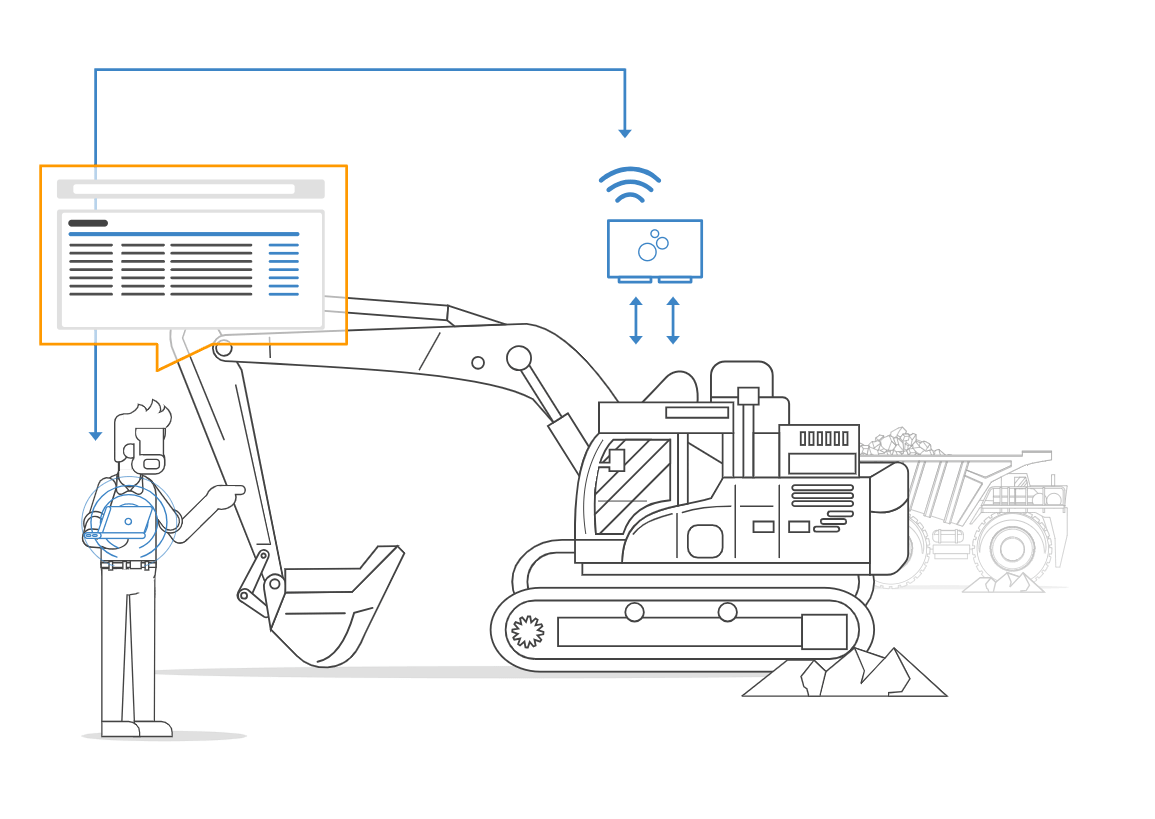
The web server interface is great for in-field selective data extraction. For example, a technician can pull data from a vehicle/machine without ejecting the SD card. This can be done by setting up a laptop as the WiFi access point - even if no internet access is available. This is particularly useful when the device is installed within e.g. a shielded cabinet or similar hard-to-reach location. Optionally, the user may batch-pull a specific period of data using the REST API.
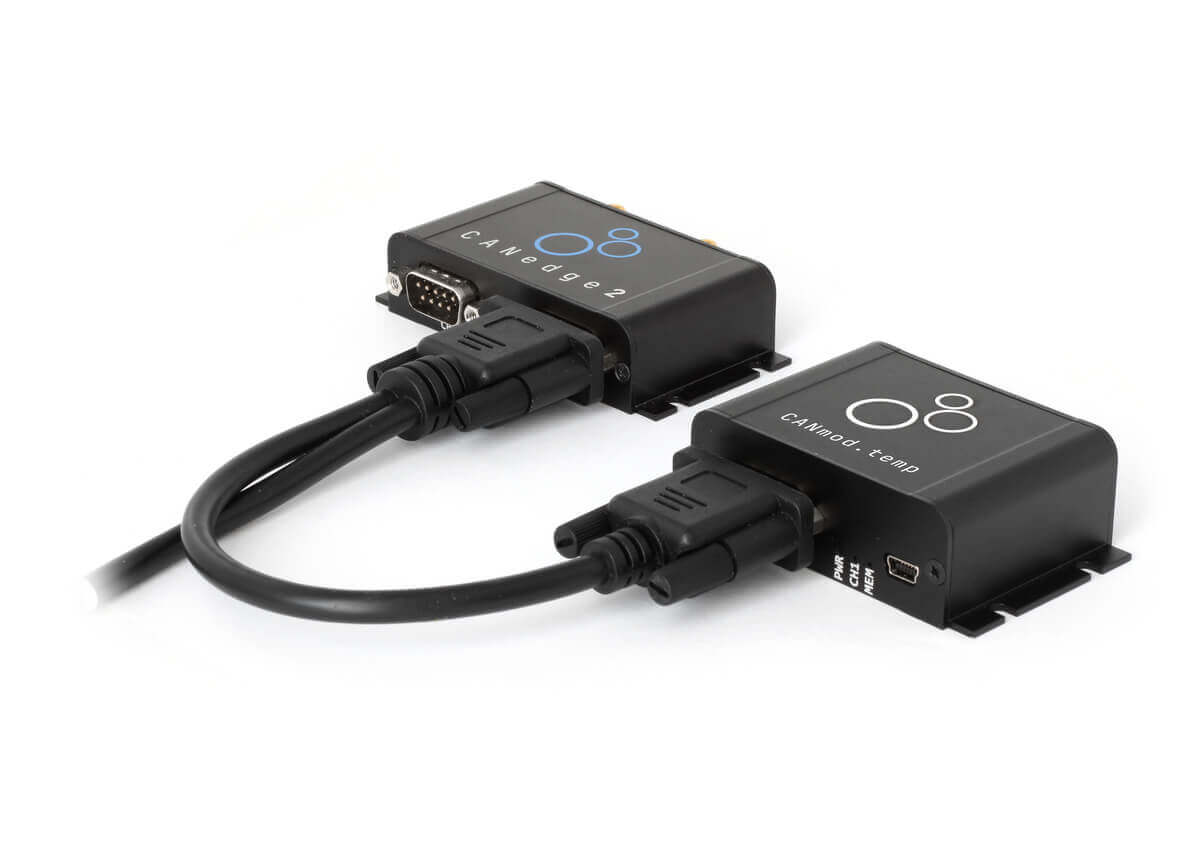
CANmod.temp - new enclosure
The CANmod.temp enclosure has now been updated to include flanges, greatly simplifying installation! With this update you can also use the same mounting kit for the CANmod.temp as for the CANedge series. Get yours today!
Simple Intro updates: CAN bus + J1939
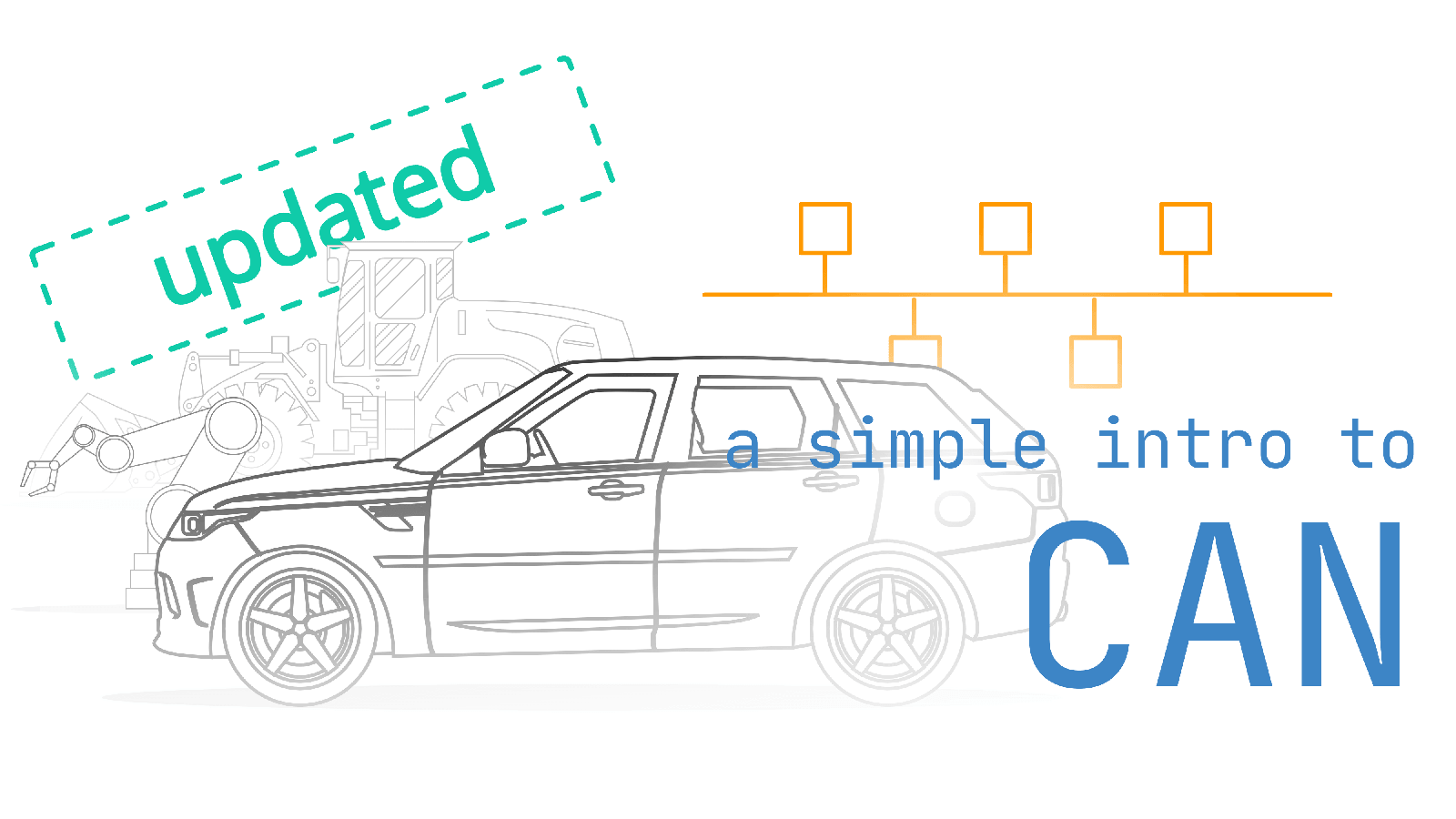
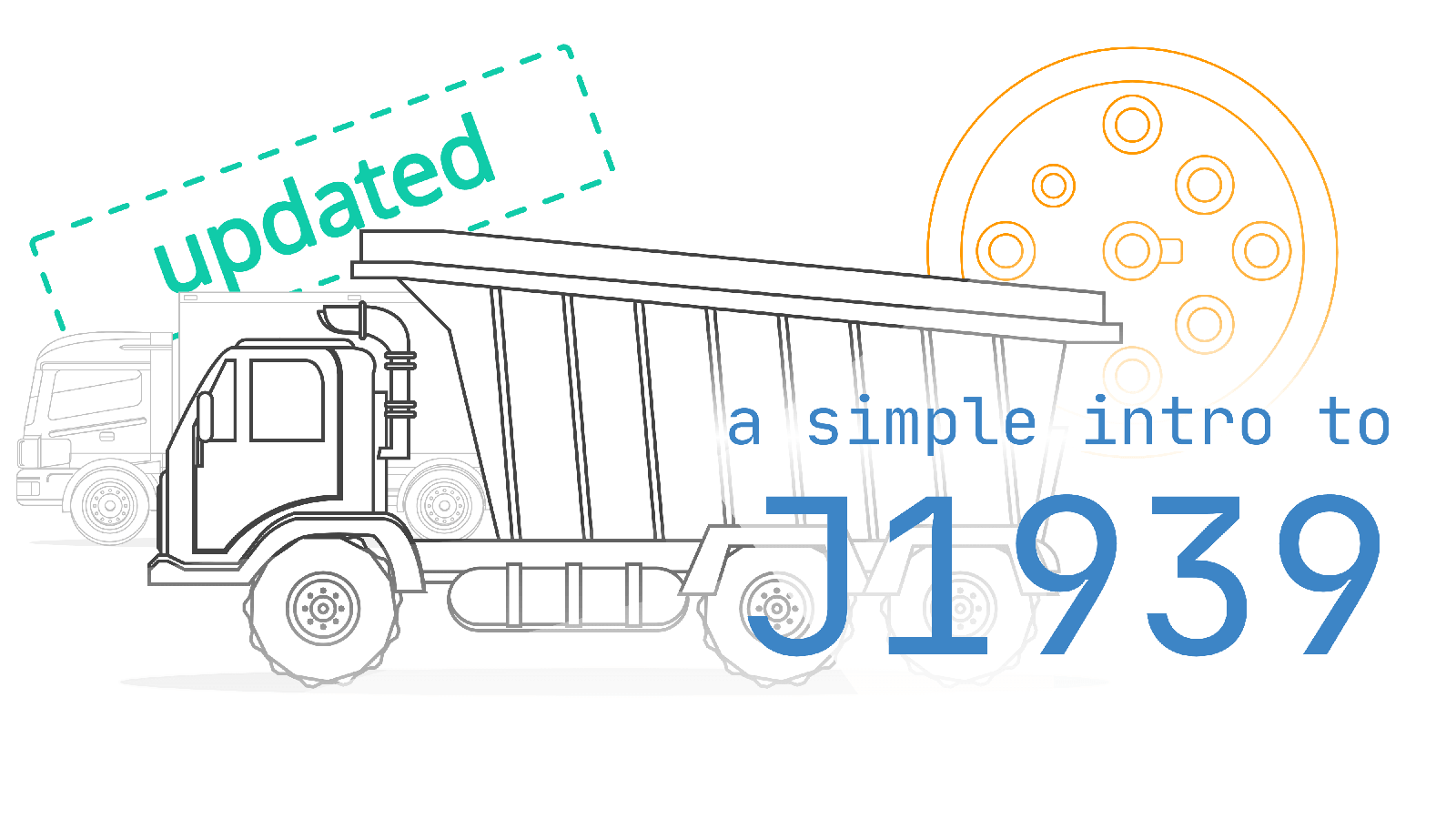
We have now updated our popular 'simple intros' to CAN bus and J1939, improving them dramatically. Check them out below - and find all our simple intros in our Guides section!
J1939 DBC 2024-06 revision
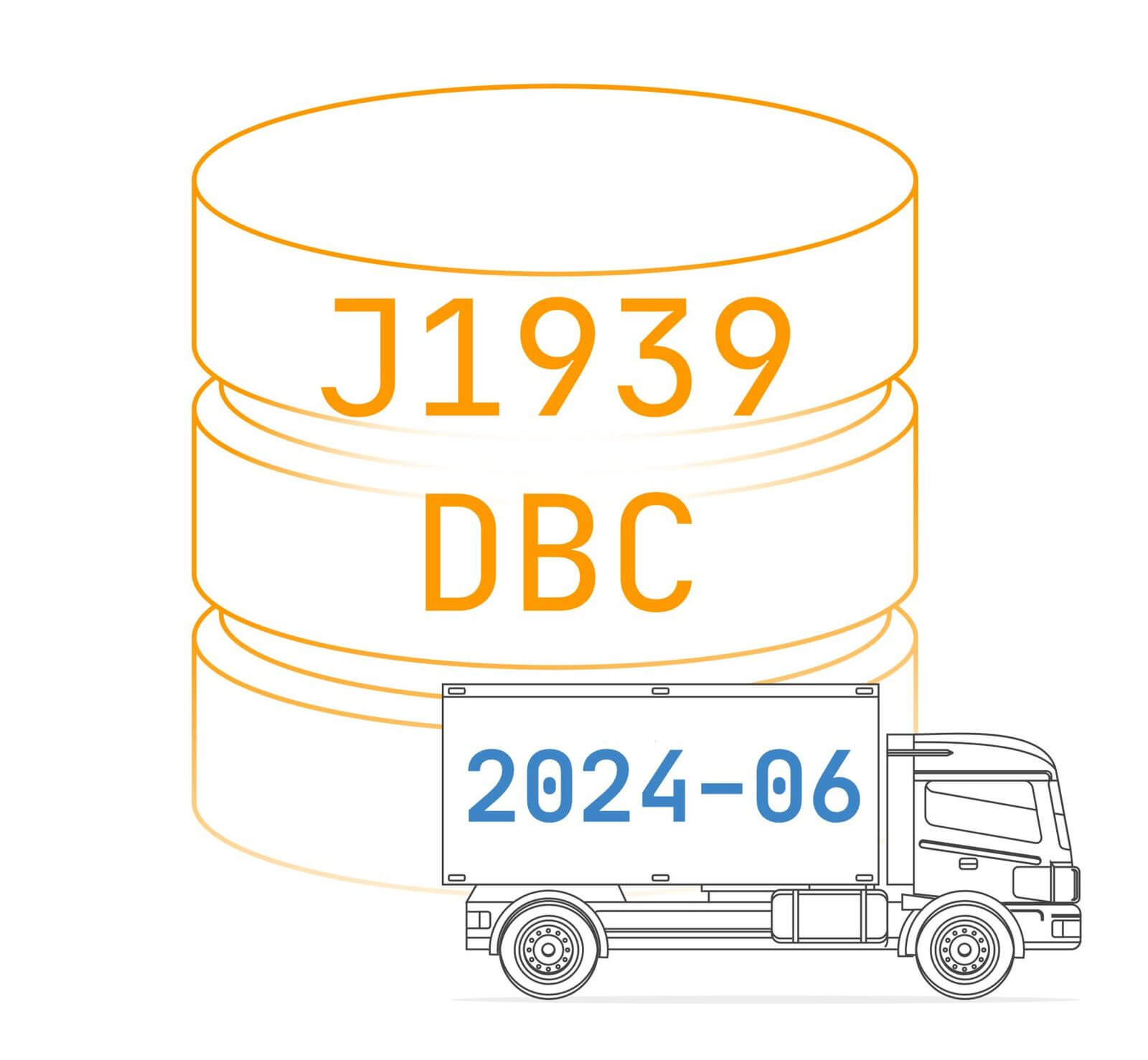
The updated J1939 DBC version is now available for purchase - get your download link today! The new DBC includes an additional 130+ SPNs vs. the previous release.
5m DB9-DB9 (female/female) cable
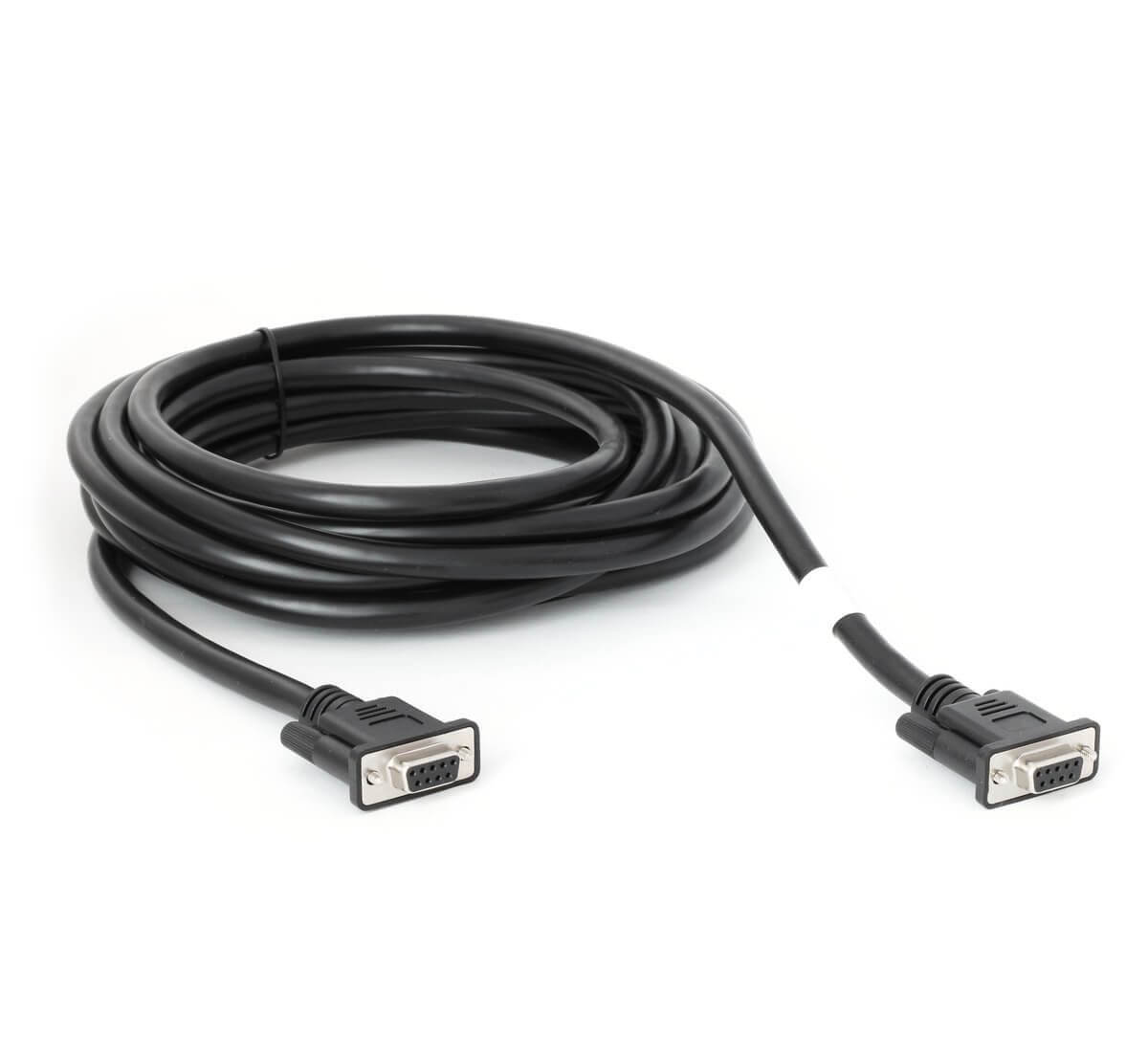
This 5 meter DB9 female to DB9 female extension cable lets you easily connect a CANmod to a CANedge 2nd port - while deploying the devices far apart. A direct connection can be made due to the 2 x female connectors.
Remote CAN/XCP troubleshooting
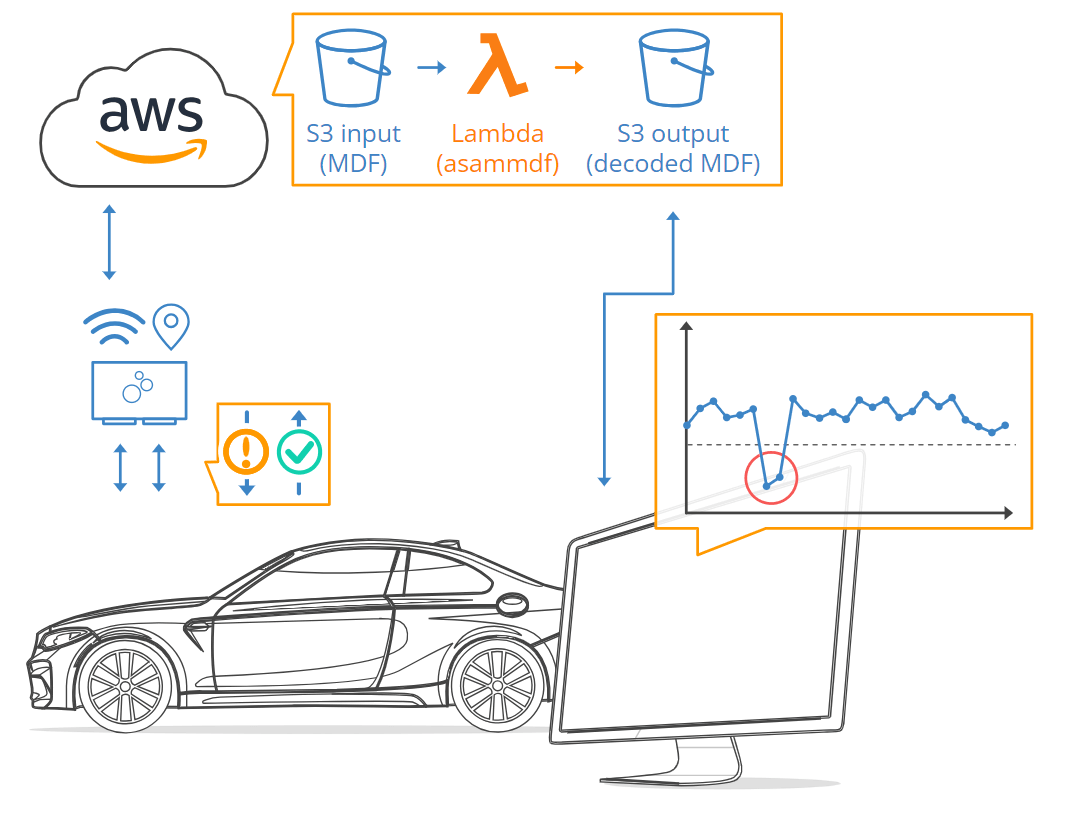
Learn how Vitesco Technologies replaced their in-house IoT solution with the CANedge, greatly reducing complexity in their CAN telematics workflow through the creation of MF4 data lakes!
"The CANedge has replaced our previous IoT solution and significantly reduced complexity in our CAN telematics pipeline"
Comments from CSS
The release of FW 01.08.01 has been a long-time coming, with the development of the web server interface being an 'on/off' multi-year effort. However, we are excited to finally release this functionality as it drastically enhances the flexibility in how our users may deploy the CANedge2 - and the beta release of our web server has already been deployed by many users with great success.
The firmware also adds a number of more subtle, yet important changes. This includes the support for angular rates (for CANedge devices with internal GPS/IMU) and various performance improvements related to logging and WiFi/LTE data transfer. We strongly recommend updating your devices - and as always, feel free to reach out if questions.
This update was sent as part of our newsletter on 20 August 2024. You can also download it as a PDF.
Want updates like this in your inbox? Join our newsletter - or see all news.